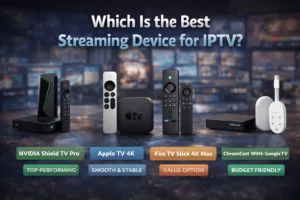
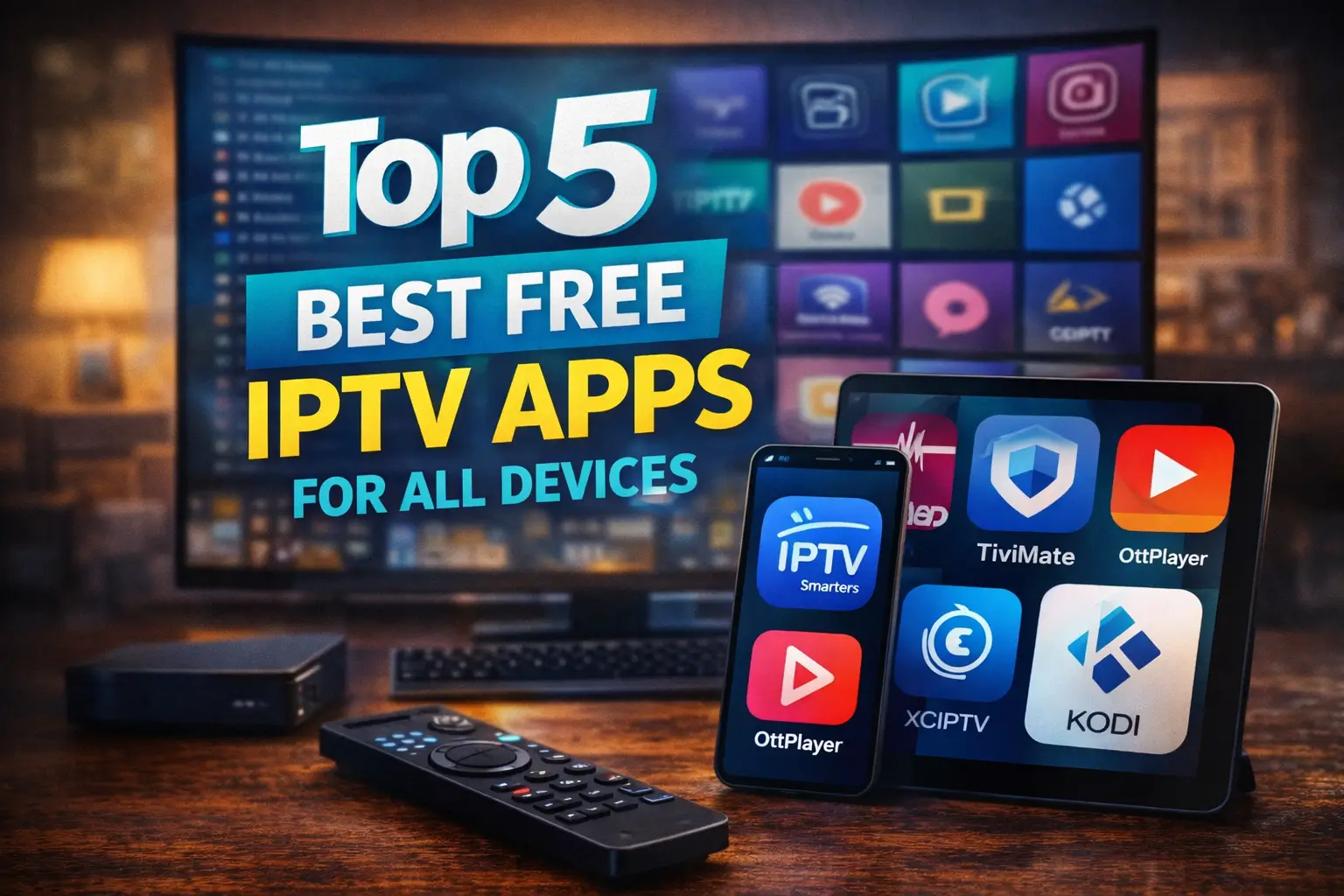
The best Free IPTV Apps for All Devices aren’t about huge channel numbers, but about how well they actually perform. What matters most is stable playback, fast channel switching, and safe support for M3U and EPG files. If you use an IPTV subscription, the right player decides how smooth your experience will be.
Some apps are better for phones, others for TVs or computers. IPTV Smarters Player is a strong all-around option, TiviMate is great for Android TV, IPTV Stream Player works well on iOS, and OTT Player is useful for managing multiple devices. Keep reading to see which one fits you best.
Best IPTV Players for TVs (Android TV / Fire TV / Smart TV via Android)
1 – TiviMate
TiviMate is one of the most popular IPTV players for TVs because it is built specifically for big screens. The interface is clean, easy to read from a distance, and perfectly adapted to remote controls.
Its electronic program guide (EPG) is clear and fast, making it easy to see what’s on now and what’s coming next. Playlist management is simple, even with large channel lists, and everything feels smooth and responsive, which is why many users consider it the best overall TV-style IPTV player.
2 – IPTV Smarters / IPTV Smarters Lite
Is known for being very easy to use, even for beginners. The layout is simple, with big buttons and clear sections that work well with a TV remote.
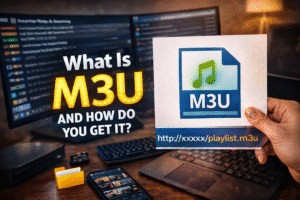
It supports different ways to add your content, including M3U links and Xtream login details. Because of its simple setup and friendly design, it’s often recommended for people who are using IPTV on a TV for the first time.
3 – GSE Smart IPTV
GSE Smart IPTV stands out for its flexibility and customization. Users can change language settings, layouts, and display styles to match their preferences. It supports many playlist and guide formats, which makes it useful for people who use different IPTV sources.
The interface is TV-friendly, and navigation with a remote feels natural, making it a strong choice for users who like to control how their player looks and works.
4 – Perfect Player IPTV
Perfect Player IPTV is a lightweight and fast player that focuses on performance. It loads quickly, runs smoothly even on weaker devices, and keeps everything simple.
The program guide is easy to read, and playlist loading is stable. Because it doesn’t use heavy graphics, it’s great for Android TVs and TV boxes that don’t have strong hardware but still need a reliable IPTV experience.
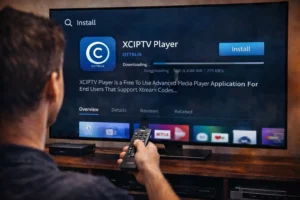
5 – XCIPTV Player
XCIPTV Player offers a modern design that looks great on large screens. Menus are clear, icons are big, and everything is made to be used with a remote control. It includes built-in playlist management and supports catch-up features when available, letting users watch earlier programs.
Its balance between design and function makes it a good choice for people who want something that looks modern but stays easy to use.
Best IPTV Players for PC / Windows / macOS / iOS
1 – VLC Media Player
VLC Media Player is one of the most trusted media players in the world, and it also works very well as an IPTV player. It is completely free and known for its stability. You can open M3U links or local playlist files easily, and streaming is usually smooth.
Because it works on Windows, macOS, iOS, and Android, it’s a great choice if you want the same player across different devices. With simple design makes it easy to use IPTV on VLC, even if it doesn’t look very modern.
2 – Kodi (with IPTV Simple Client add-on)
Kodi is perfect for users who want control and customization. On its own, Kodi is a media center, but when you add the IPTV plugin, it becomes a powerful IPTV player.
You can integrate playlists with a full program guide, change layouts, and install extra features. It works on Windows, macOS, Linux, and can be used on iOS through sideloading. It’s ideal for users who like to fine-tune everything.
3 – IPTV Extreme
It’s designed for advanced IPTV use. It supports large playlists, full EPG guides, and detailed channel organization.
On PC, it is often used through Android emulators, which makes it flexible if you already use Android apps on your computer. Its strong playlist tools let you sort, filter, and customize channels easily, making it a good choice for heavy IPTV users.
4 – 5KPlayer
5KPlayer is a simple and free media player that also supports IPTV streaming. You can load M3U links and start watching quickly without complex setup. It works well on Windows and macOS and is known for smooth playback.
The interface is basic, but that’s what makes it easy for beginners who just want to watch without changing many settings.
5 – ProgDVB / ProgTV
It’s a more technical IPTV player, made for users who want advanced features. It supports IPTV, satellite, and other broadcast types in one program. You can manage playlists, program guides, and many detailed settings.
It’s especially popular with advanced PC users who like to control every part of their TV and streaming experience.
Frequently Asked Questions
Do Free IPTV Apps Work With VPNs, and Is It Recommended?
Most free IPTV apps work with VPNs. Using one can help avoid throttling and improve privacy, but it should be used carefully. Always choose a trusted VPN and make sure your IPTV source is legal and safe.
Can I Record Live TV Using Free IPTV Apps?
Some free IPTV apps allow recording, but many have limited or unstable DVR features. Recording depends on the app, your storage space, and stream quality, so results can vary.
How Do I Add EPG Data if It’s Not Included?
You can add EPG by importing an XML guide link or file into your IPTV app. Then you match channels manually. Always use trusted sources and avoid sharing personal details.
Will These IPTV Apps Work With Chromecast or AirPlay?
Many IPTV apps support Chromecast or AirPlay, but not all. Check the app settings first and test for smooth video and sound before relying on it.
What If My Playlist Buffers or Doesn’t Load?
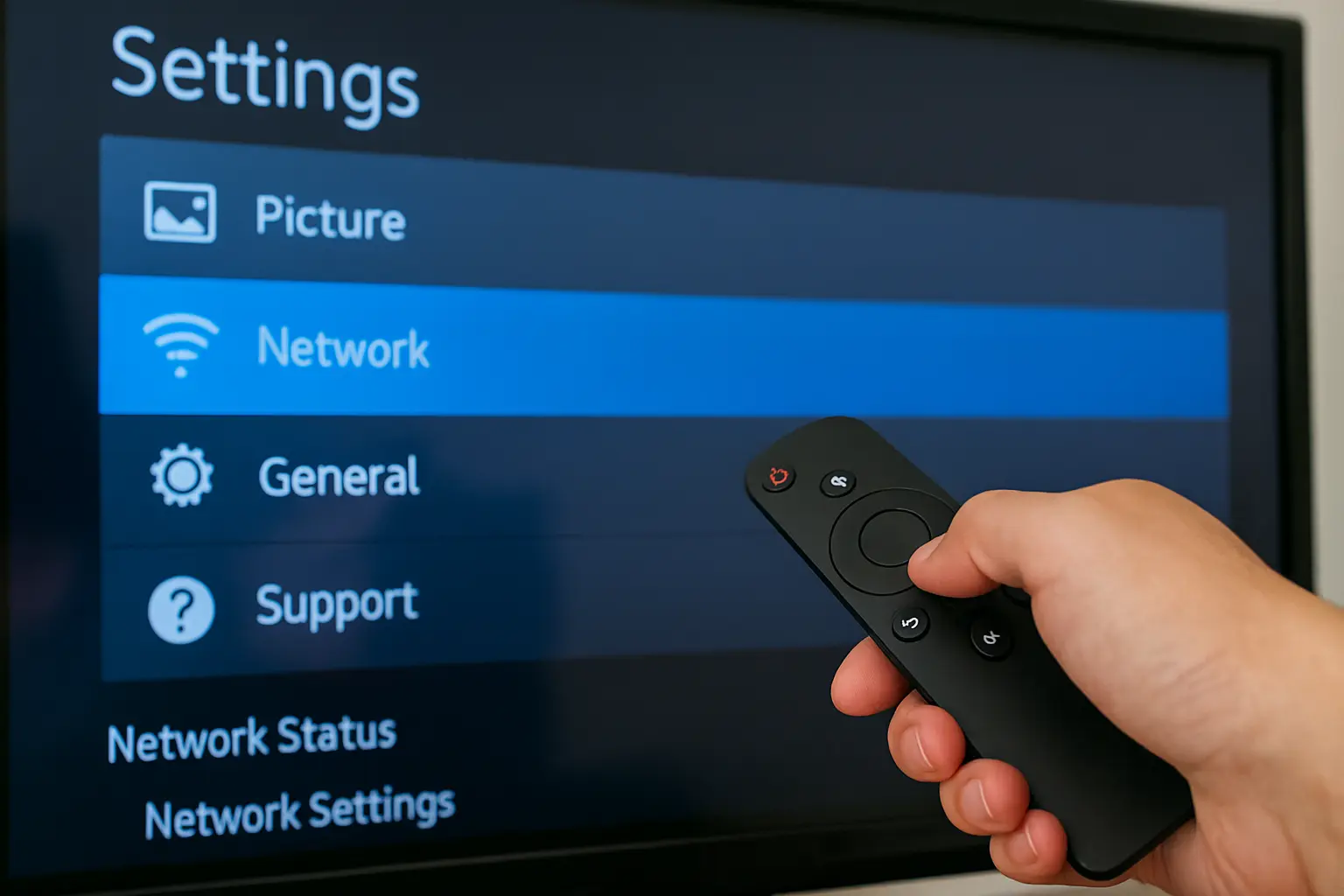
Start by checking your internet speed and Wi-Fi signal. Clear the app cache, try another server or lower-quality stream, and keep a backup playlist in case one fails.