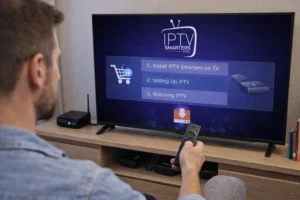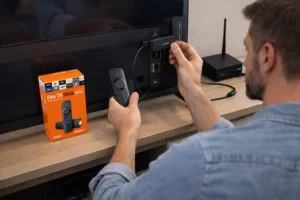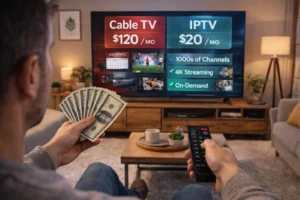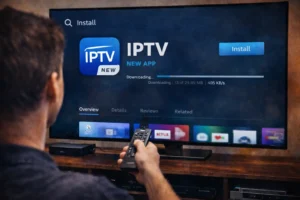
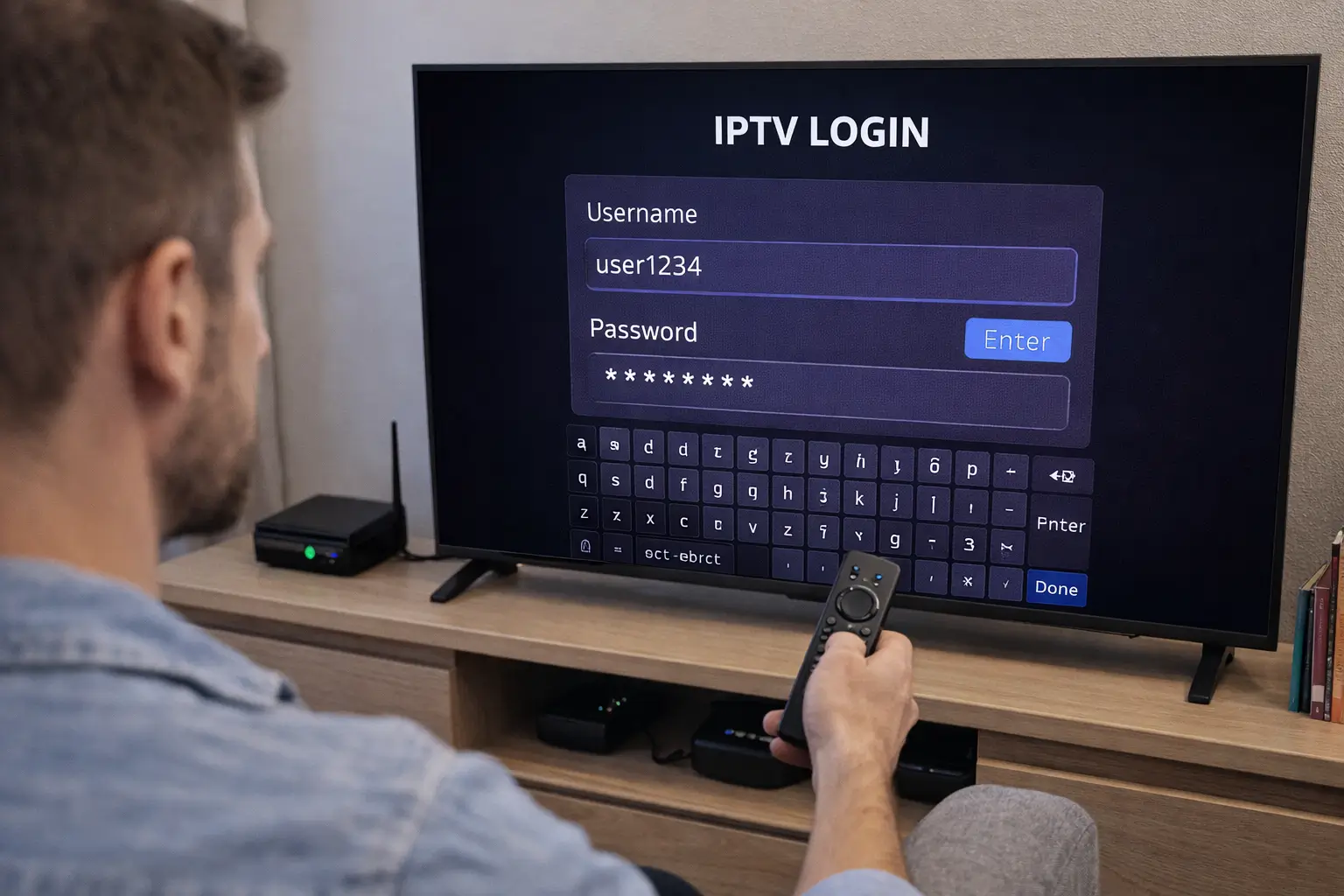
To get an IPTV username and password, begin by choosing a reliable IPTV provider and completing a subscription purchase, and then check your confirmation email where your login credentials ( server URL, username, and password ) are delivered automatically within minutes.
These Xtream Codes credentials are what you enter into any IPTV player to access your channel list and on-demand content. Trusted services like IPTV Subscription send your credentials instantly after payment and include clear setup instructions so you can be watching live TV in under 10 minutes. This guide walks you through every step, from picking the right provider to entering your details into your player.
Step 1 — Choose a Reliable IPTV Provider
1. Your username and password come directly from the IPTV provider you subscribe to. Choosing a trustworthy one is the most important decision in the process, as it determines the quality, stability, and legality of your streams.
2. Search for reputable IPTV providers with verified reviews and a clear pricing page.
3. Check what is included, look for providers offering Xtream Codes login, M3U support, and EPG.
4. Verify the channel list matches your needs, including sports, international, and VOD content.
5. Confirm the number of connections allowed, most plans offer 1 to 3 simultaneous streams.
6. Look for a trial option, many providers offer a 24 to 48-hour test before full commitment.
7. Check customer support availability, live chat or fast email response is a good sign of reliability.
Step 2 — Select a Plan and Complete Your Purchase
1. Once you have found a provider you trust, the next step is to choose a subscription plan and complete the checkout. Most providers offer monthly, quarterly, and annual plans — longer plans almost always offer significant discounts over the monthly rate.
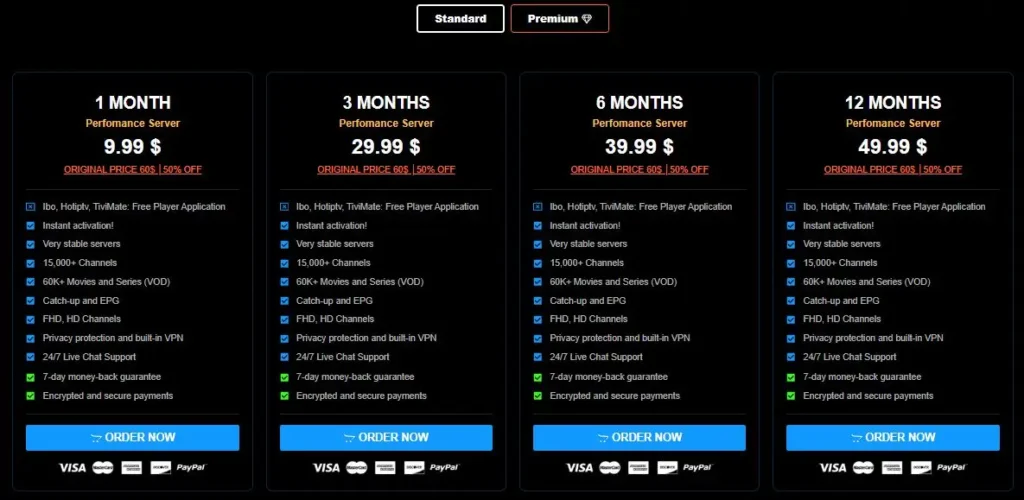
2. Go to the provider’s pricing or subscription page and compare available plans.
3. Select the plan duration that fits your needs, monthly is safest for a first subscription.
4. Choose the number of connections you need based on how many devices you want to use simultaneously.
5. Fill in your email address carefully, this is where your credentials will be sent.
6. Complete payment using the available method, such as card, PayPal, or cryptocurrency.
7. Save your payment confirmation as proof of purchase in case of any account issues later.
Step 3 — Retrieve Your Credentials from Your Email
1. After a successful payment, your IPTV provider will send your account credentials to the email address you registered with. This email is the single most important thing to keep safe, as it contains everything you need to access your subscription.
2. Check your inbox immediately after payment, most providers send credentials within 1 to 5 minutes.
3. Check your spam or junk folder if the email does not appear in your main inbox.
4. Look for three key details in the email: the server URL, your username, and your password.
5. Copy these details exactly, usernames and passwords are case-sensitive and must be entered precisely.
6. Save the email or note down your credentials in a secure place for future reference.
Step 4 — Enter Your Credentials into Your IPTV Player
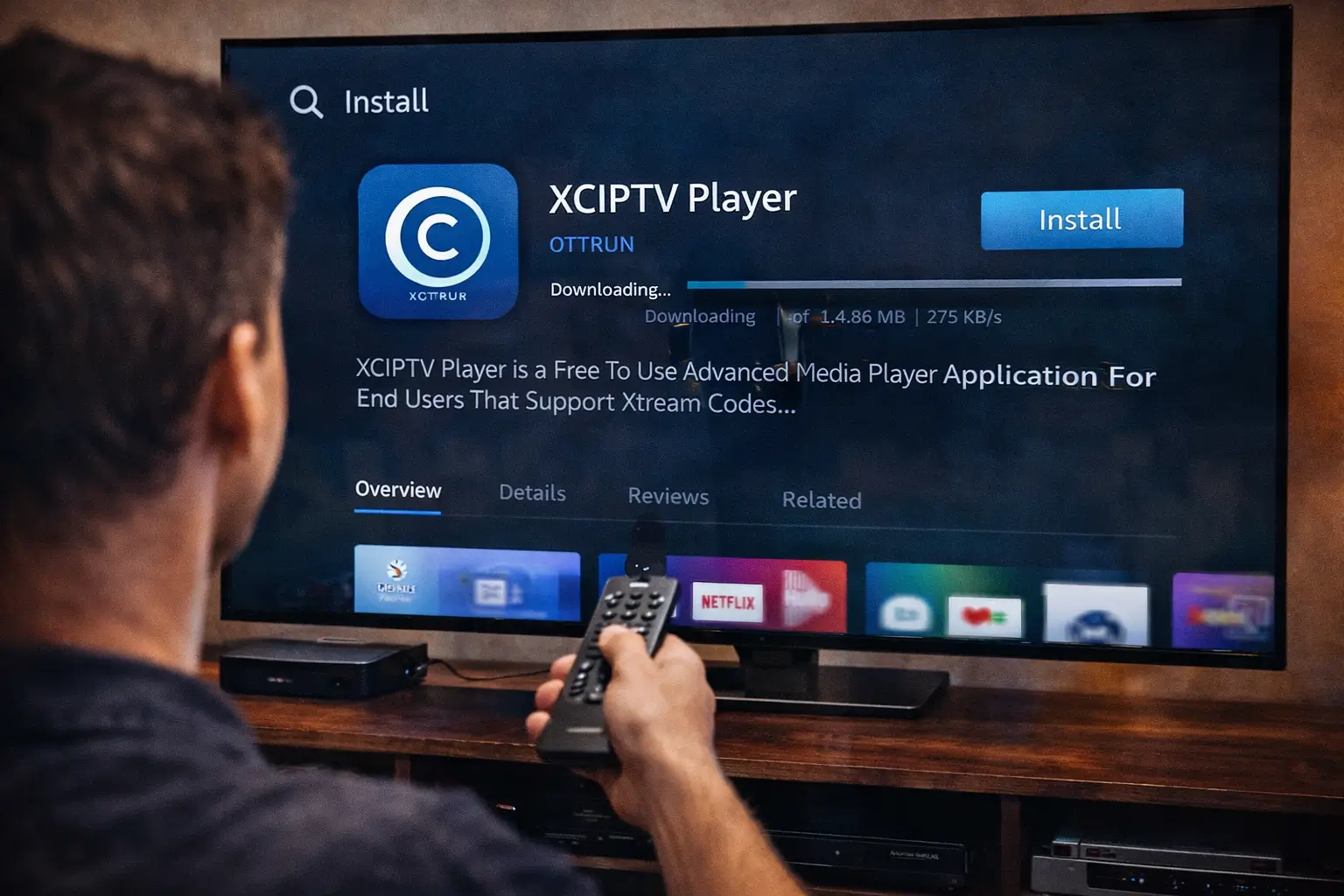
With your username and password in hand, you are ready to connect them to your IPTV player app. This process is the same whether you are using TiviMate, IPTV Smarters, GSE Smart IPTV, or any other compatible player.
1. Open your IPTV player app on your device — Fire Stick, Android TV, smartphone, or smart TV.
2. Select Add Playlist or Add Provider from the app’s main menu or setup screen.
3. Choose Xtream Codes API as the connection method if you received a server URL, username, and password.
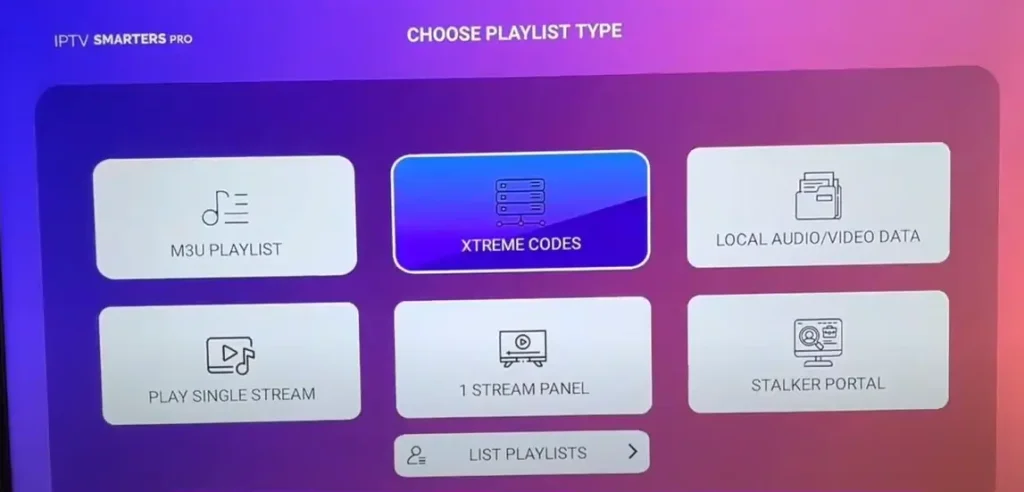
4. Enter the server URL in the host field exactly as shown in your email, including http:// or https://.
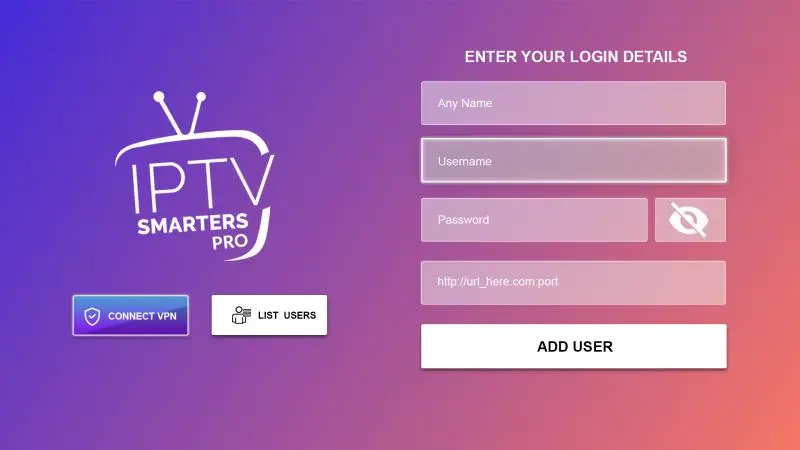
5. Type your username and password in the corresponding fields — do not add any extra spaces.
6. Tap Connect or Add User wait for the app to sync your full channel and VOD library.
Step 5 — Test Your Connection and Troubleshoot if Needed
Once your credentials are entered and your channels have loaded, always run a quick test to make sure everything is working correctly. Most issues at this stage are caused by typos in the credentials or a temporary server delay.
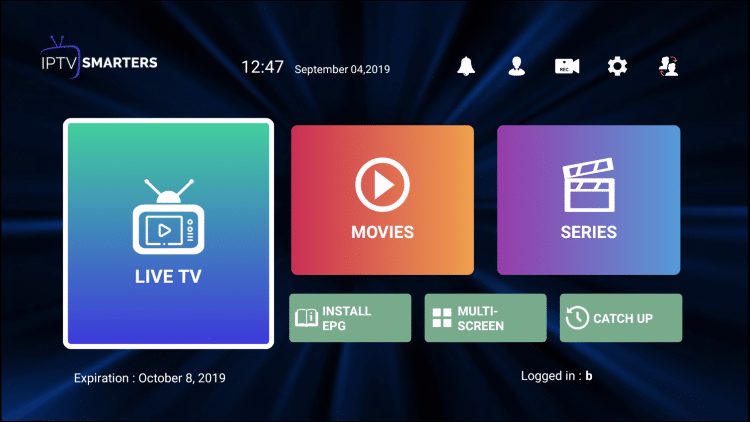
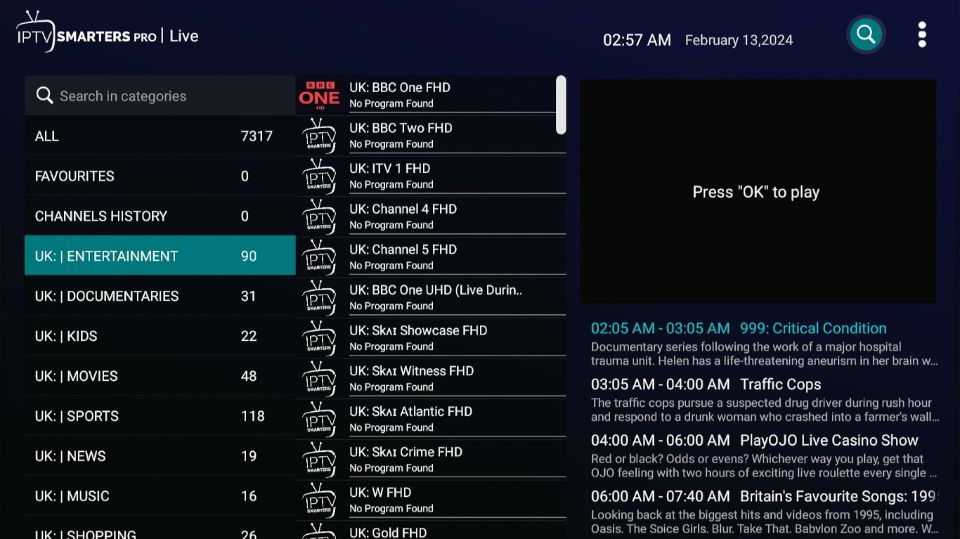
Browse your channel list and tap on a live channel to confirm the stream loads correctly.
Test a VOD title if your plan includes on-demand content to verify that section works too.
Re-enter your credentials carefully if you see an authentication error — check for typos first.
Restart the app if channels load but streams do not play — this clears temporary cache issues.
Contact your provider’s support with your username if the issue persists after double-checking all details.
Request a credential reset from your provider if your password does not work despite correct entry.
Frequently Asked Questions
Where exactly do I find my IPTV username and password?
Your credentials are sent to the email address you used during signup, usually within a few minutes of completing payment. Check your spam folder if you do not see them.
What is an Xtream Codes login?
Xtream Codes is the most common IPTV authentication system. It provides a server URL, username, and password that you enter into compatible IPTV players to access your subscription.
Can I use my IPTV username on multiple devices?
It depends on your plan. Most providers allow 1 to 3 simultaneous connections. Using more devices than your plan allows will disconnect one of the active streams.
What should I do if I lost my IPTV password?
Contact your provider’s customer support and request a password reset. Most providers can resend your credentials to your registered email within minutes.
Is an M3U URL the same as a username and password?
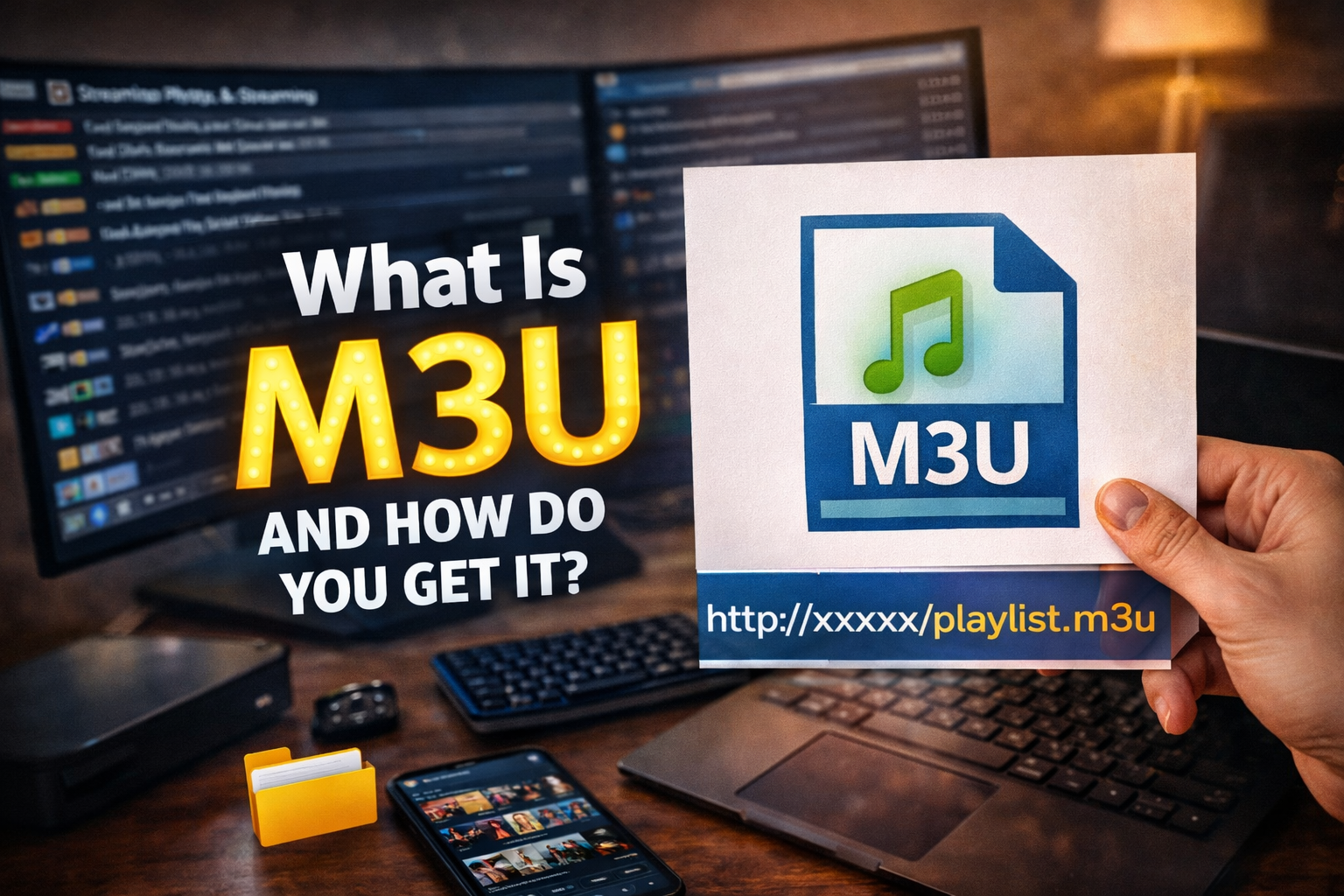
No. An M3U URL is a single playlist link that already contains your account details inside it. Xtream Codes uses separate server, username, and password fields instead.
How long does it take to receive IPTV credentials after payment?
Most providers deliver credentials instantly or within 1 to 5 minutes. If you wait more than 30 minutes without receiving anything, contact the provider’s support team directly.
Can I share my IPTV username and password with someone else?
Technically yes, but sharing credentials is against most providers’ terms of service and may result in your account being suspended or permanently banned.