To purchase IPTV safely, first check what is legal in your country and choose an IPTV subscription that clearly shows it has the right to distribute its channels and content. Then make a list of what you really need, such as sports, movies, local channels, and how many devices you want to use at the same time, and confirm the service supports your TV or device.
After that, compare different plans, prices, and features like VOD, TV guide, and catch-up. If a trial is available, use it to test video quality, buffering, and speed during busy hours. Finally, pay with a secure method, avoid “too good to be true” offers, receive your login details, and fully test the service before committing long term.
1 – Check What’s Legal in Your Area
Learn the basic rules about IPTV in your country or region.
Understand that IPTV is legal, but the content must be licensed.
Avoid services that don’t explain where their channels come from.
2 – Choose a Legitimate Provider
Look for a professional website with clear information.
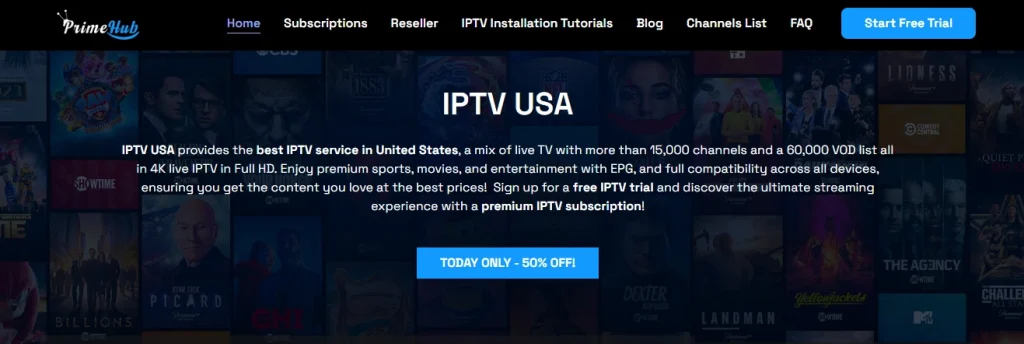
Check for the company name, contact email, and support page.
Read reviews to see what real users say, avoid offers that promise everything for almost nothing.
3 – Compare Plans and Features
Check how many channels, movies, and series are included.
See if you get EPG (TV guide), catch-up, or VOD.
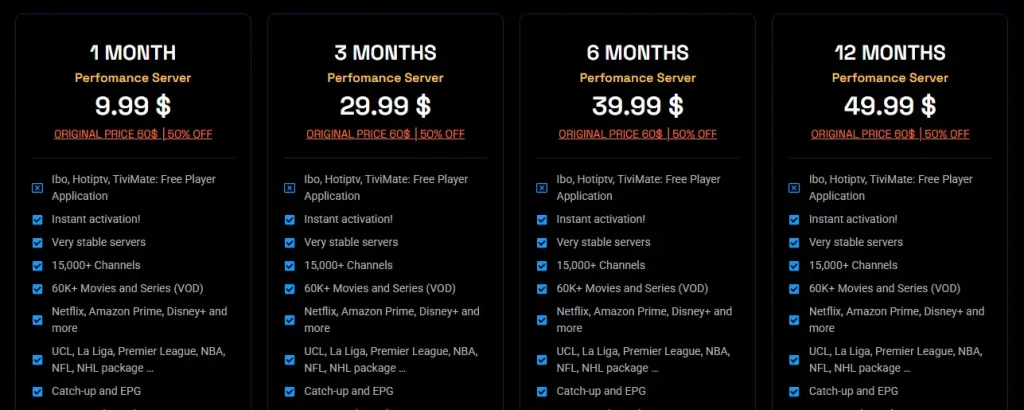
Check how many devices you can use at the same time.
Compare prices and subscription lengths.
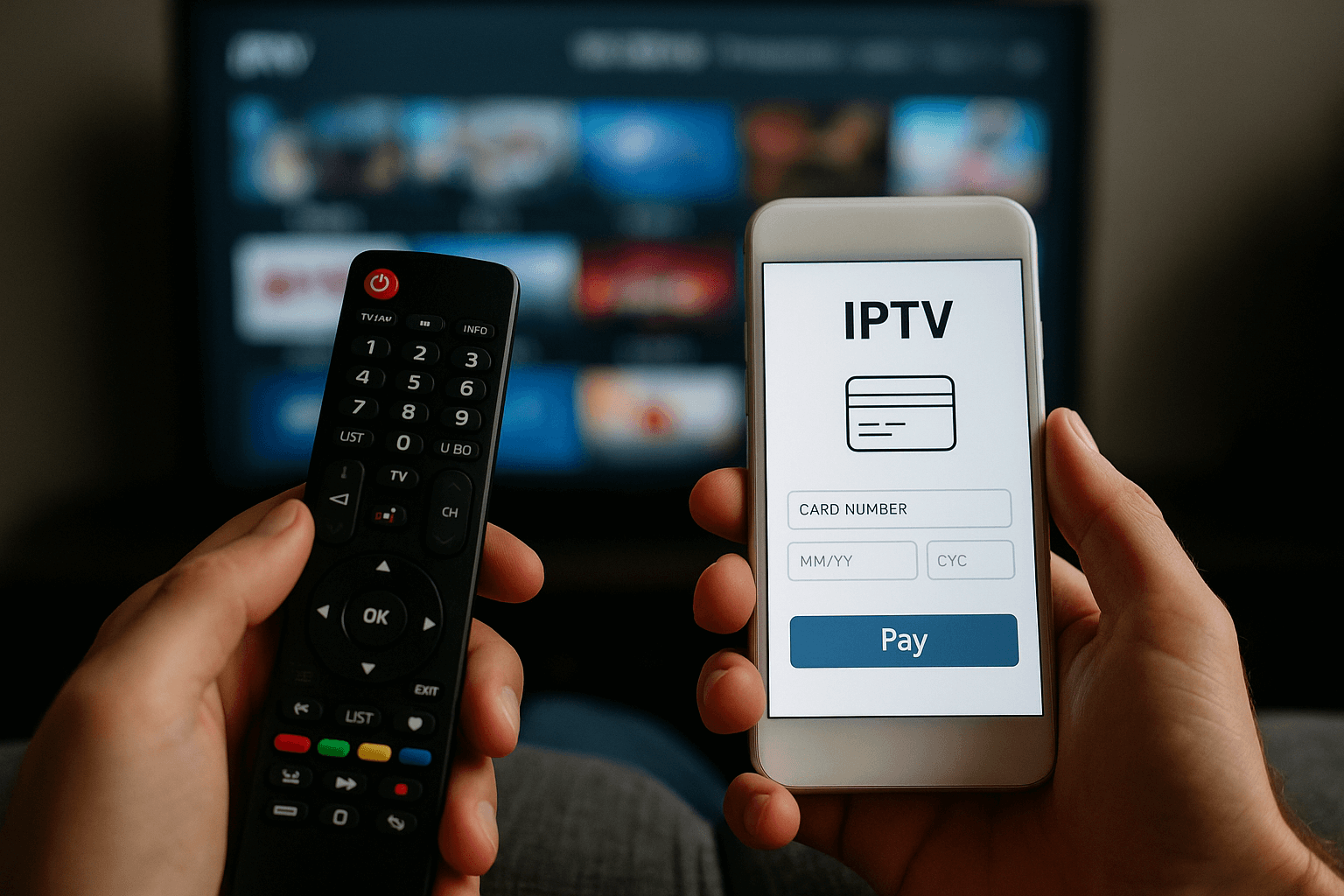
4 – Create an Account and Pay Securely
Sign up on the official site of the provider.
Use safe payment methods like cards or trusted gateways, never send money through unknown or risky methods.
Save your payment confirmation.
5 – Receive Your Details and Test the Service
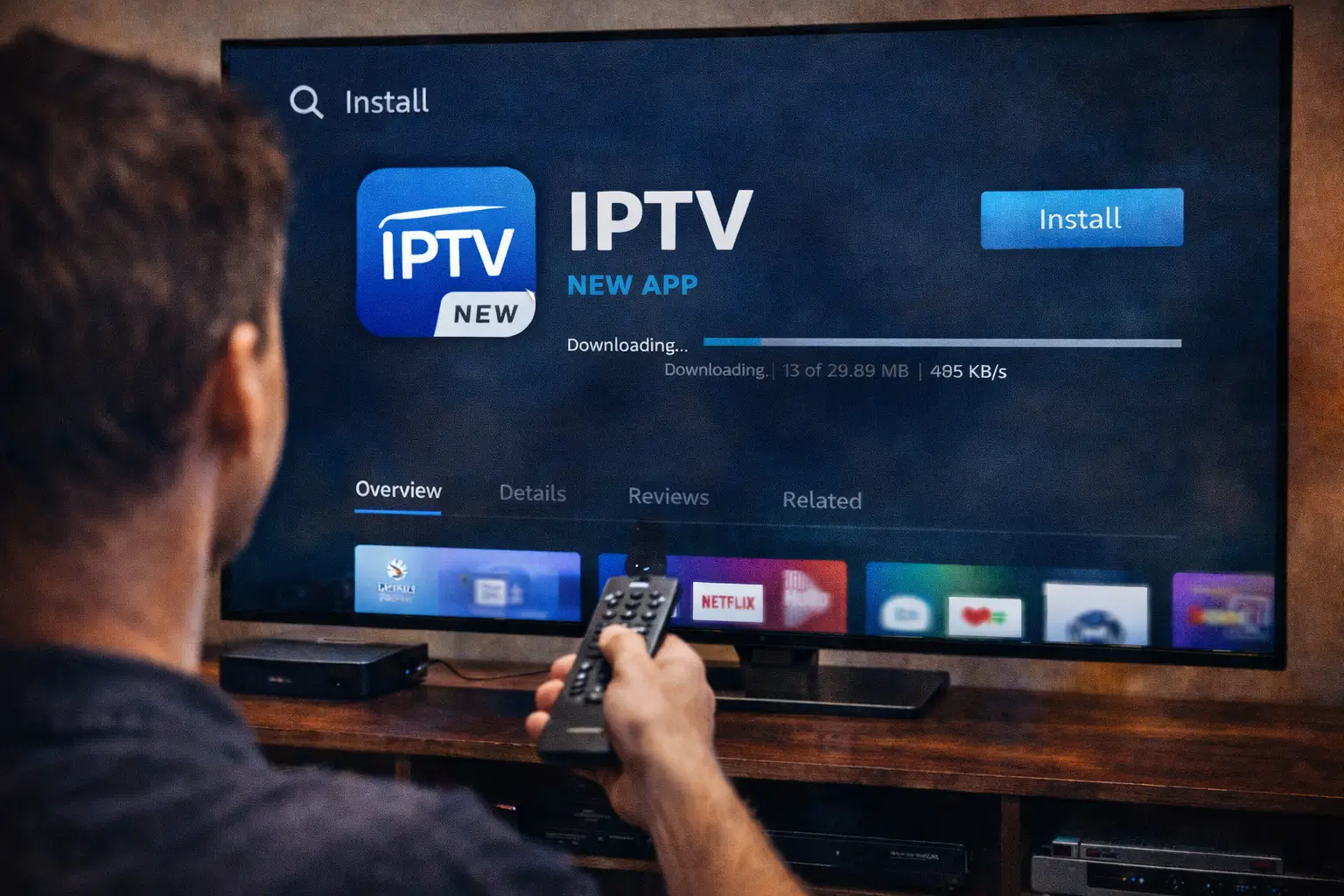
Get your login details by email or in your account area after payment, and install an IPTV Player (Example : IPTV Smarters…) to activate your IPTV account.
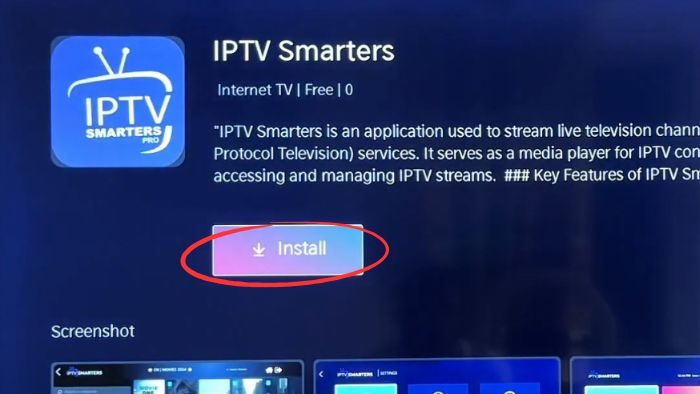
Save your M3U link or Xtream Codes in a safe place.
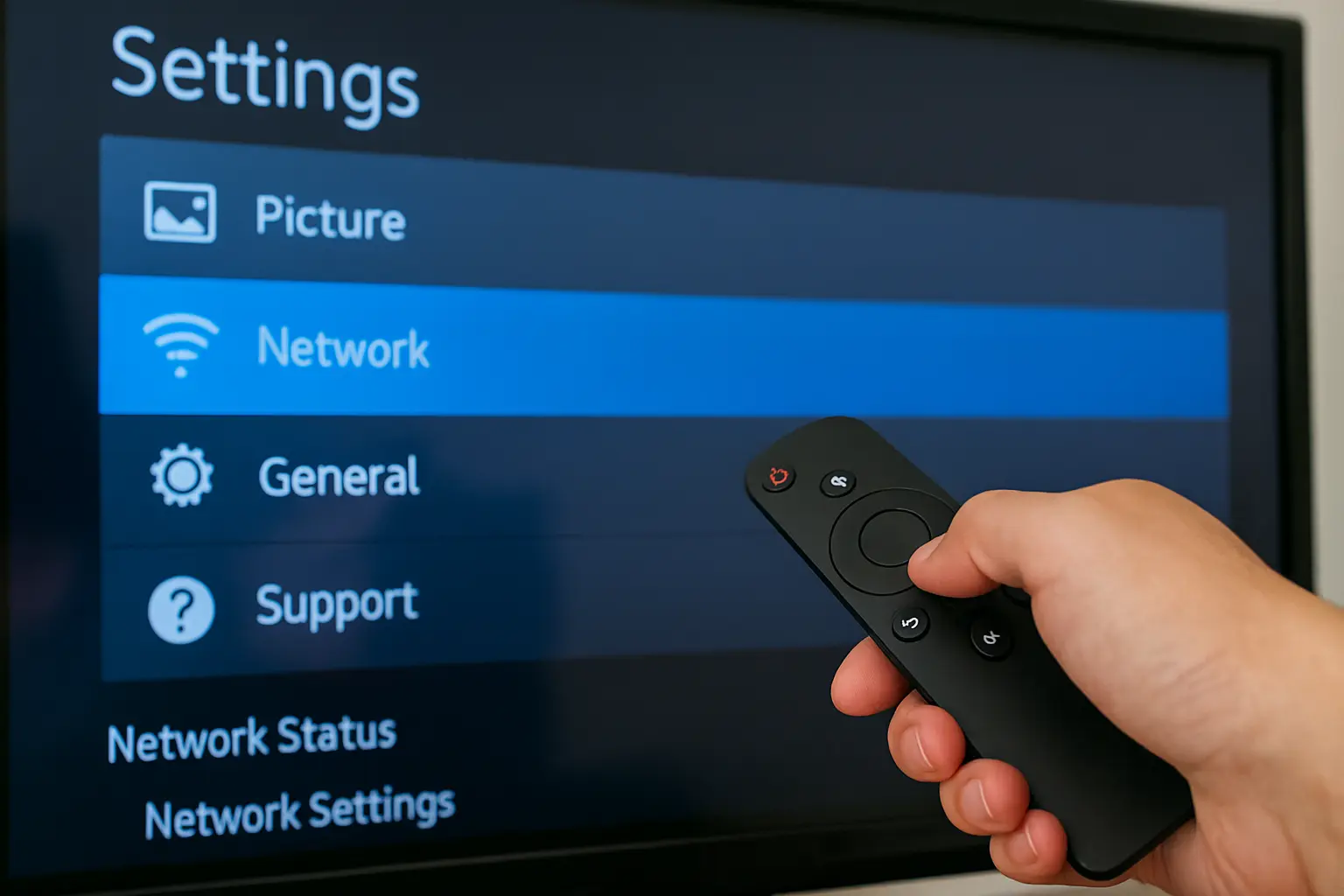
Open your IPTV player and add your IPTV details carefully.
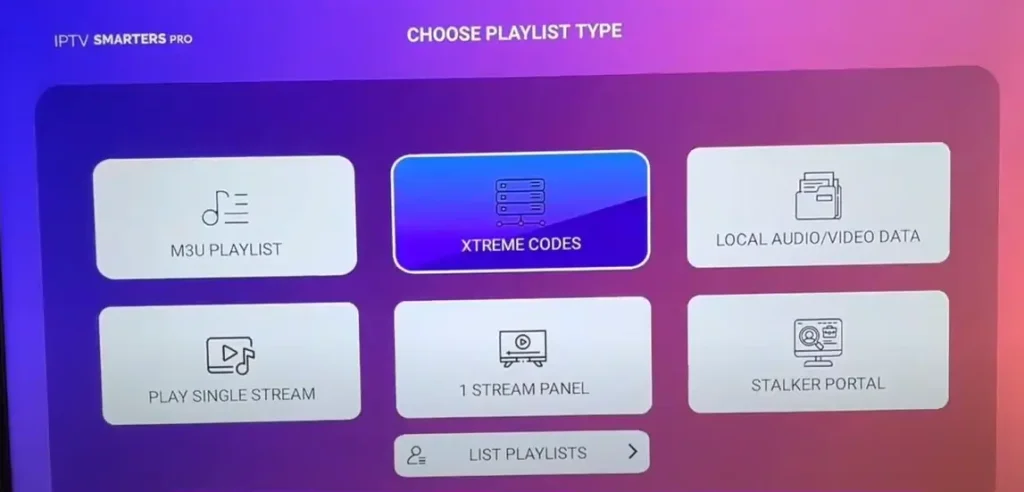
Wait while channels and the TV guide load.
Test different channels like sports, movies, and local TV.
Try watching at different times of day, especially evenings.
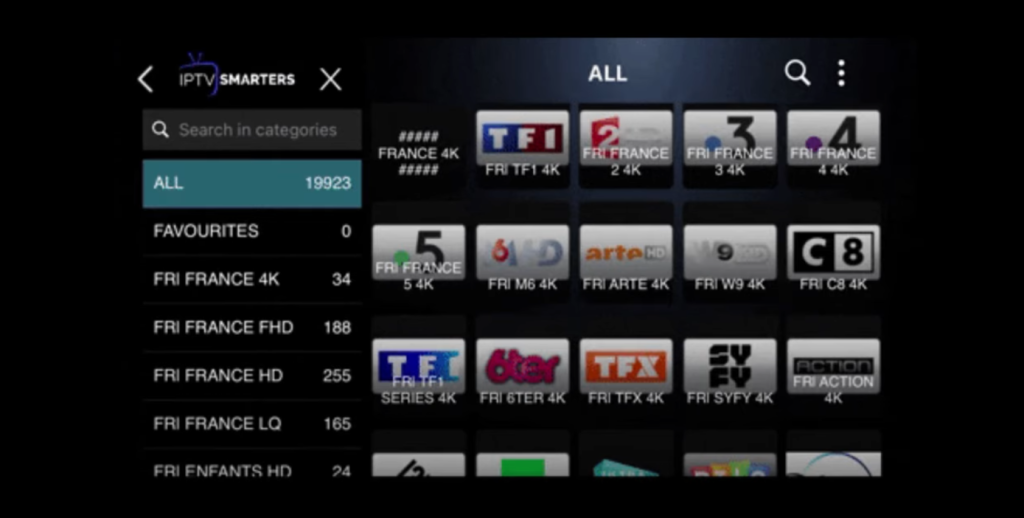
Check for buffering, missing channels, or errors.
Contact support with clear information if the problem continues.
Frequently Asked Questions
What Internet Speed Do I Need for Smooth IPTV Streaming ?
For smooth IPTV, about 10–20 Mbps is enough for HD and 25–50 Mbps for 4K. If several people use the internet at the same time, you’ll need more speed. Slow or unstable connections can cause buffering, especially during busy evening hours.
Can I Use One IPTV Subscription on Multiple Devices at the Same Time ?
That depends on your provider. Some IPTV providers allow only one device at a time, while others offer 2, 3, or more connections. Always check how many devices are included in your plan, because using more than allowed can block your account.
How Do I Secure My IPTV Account ?
Use a strong password and don’t share your login with others. If your provider offers extra security options, enable them. Try to use only your own devices and check regularly if something looks unusual, like channels playing when you’re not watching.
What Payment Methods Are Safest for an IPTV Subscription?
The safest options are credit or debit cards and well-known online payment services that allow refunds or chargebacks. Avoid sending money through risky or untraceable methods. Always buy from a site that looks professional and secure.
Will IPTV Work While Traveling or in Another Country?
Yes, IPTV works while traveling, but some services block access outside certain countries. Before you travel, check your provider’s rules. In some cases it still works normally, but in others you may need special settings or it may not work at all.