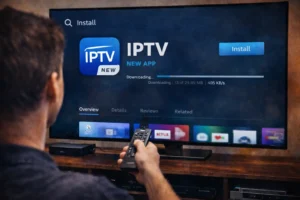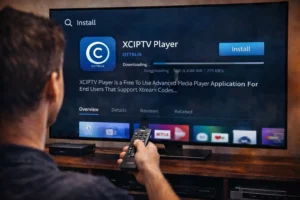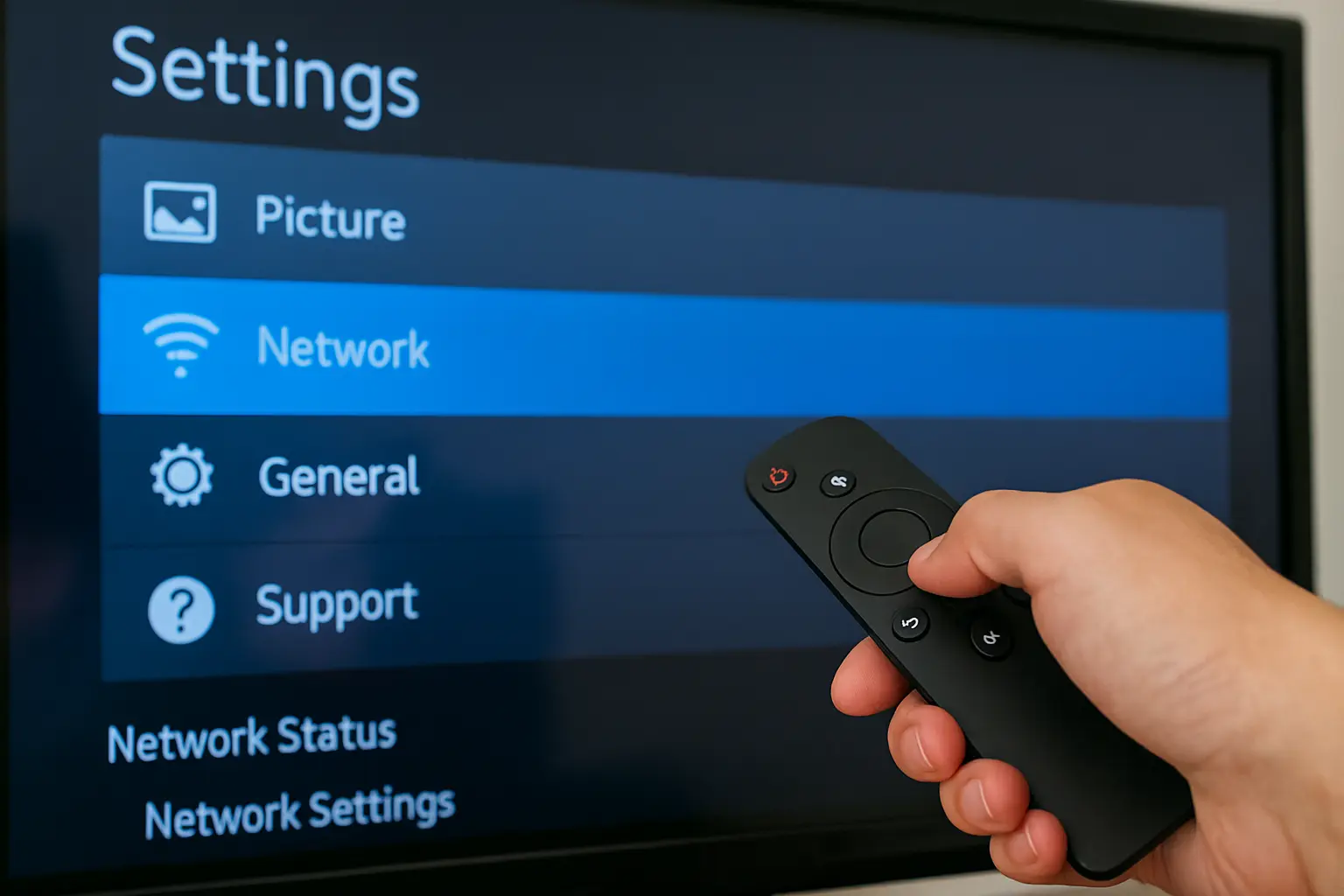
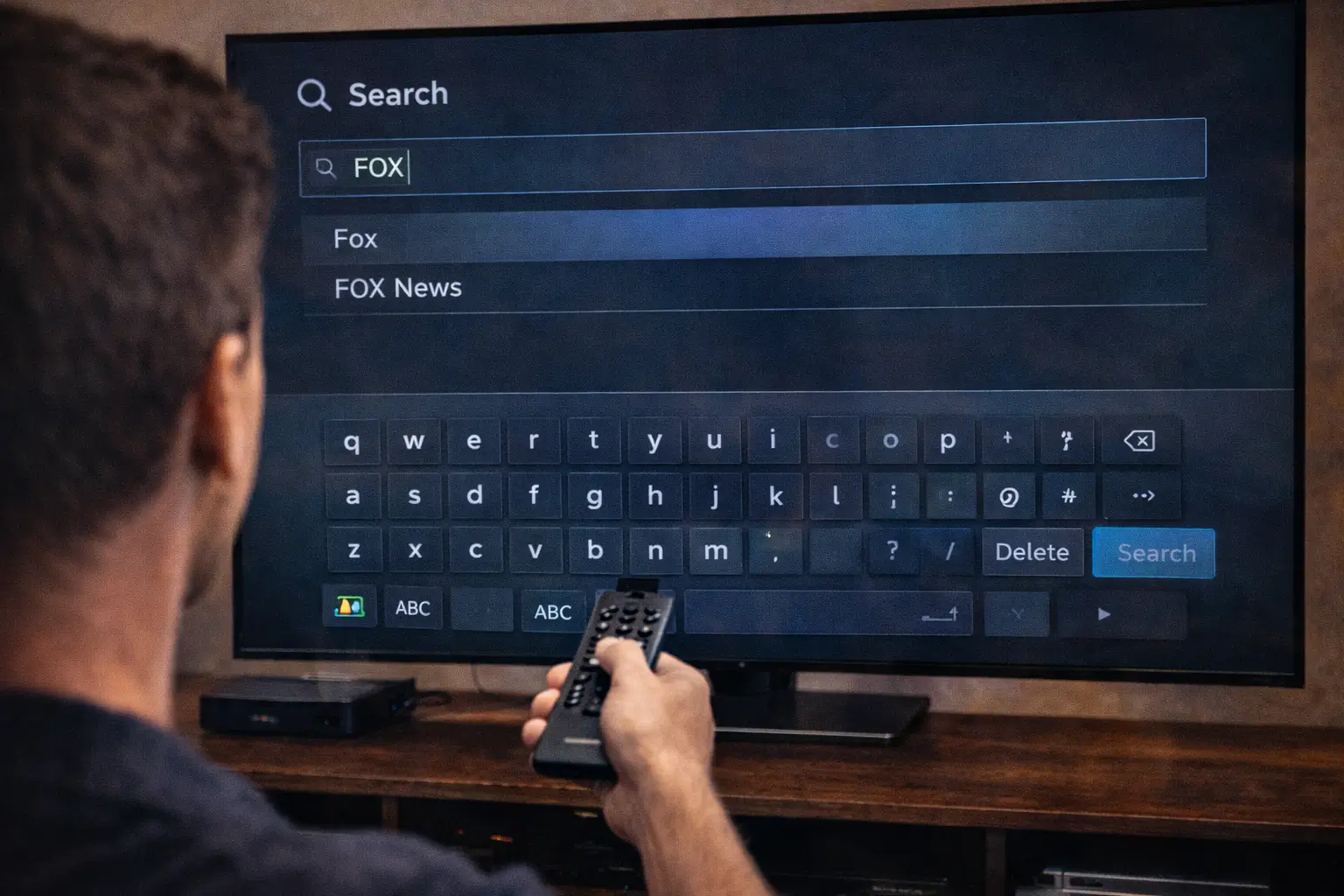
To search on IPTV using a Firestick remote with your IPTV Subscription, open your IPTV app and go to Live TV or Channels, then find the Search icon (the magnifying glass) in the top bar or by pressing Up on the channel list. If it won’t highlight, close the side menu or press Back once.
Use the remote arrows to open Search, type the name using the on-screen keyboard (start with 3–5 letters), or hold the Mic button and say the channel name. Scroll through the results, press Select on what you want, and start watching. If nothing shows, clear the text, restart the app, and try again.
1 – Open your IPTV app
Turn on your TV and Firestick and make sure they are connected to the internet.
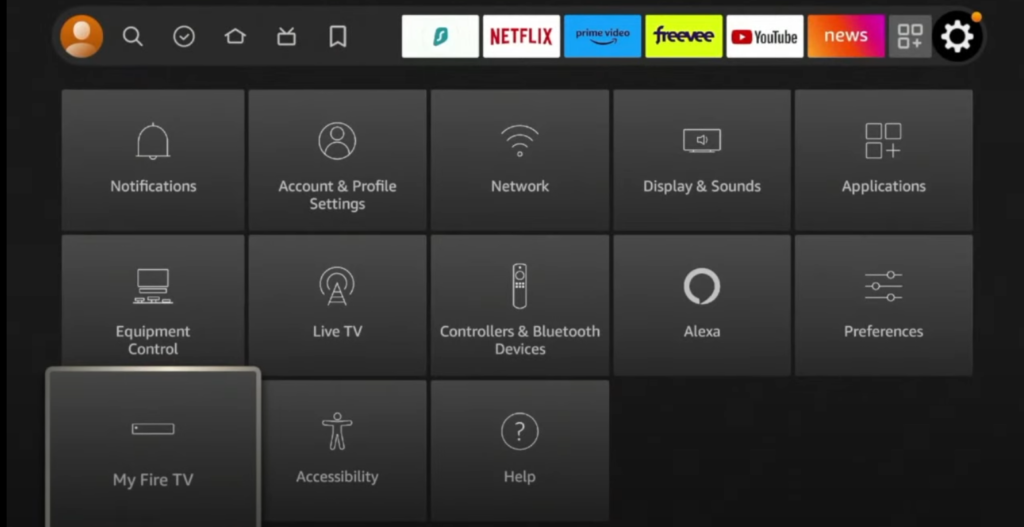
From the home screen, go to “Apps.”
Find your IPTV app and open it.
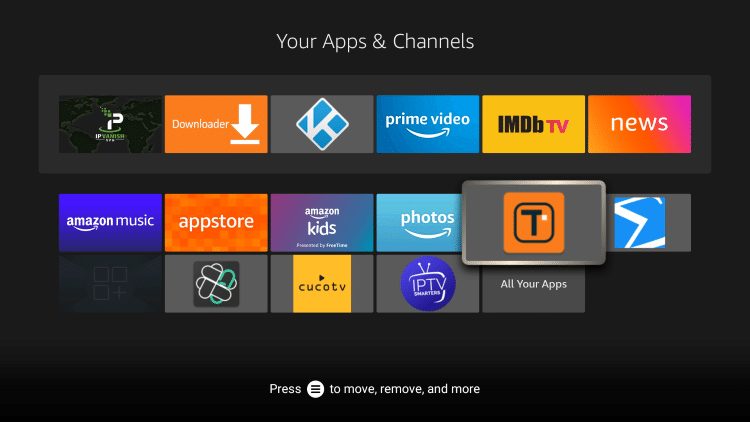
Wait until channels, movies, and the TV guide finish loading.
2 – Go to the search option
Use the arrow buttons on the remote to move around the app menu.
Look for a magnifying glass icon or a “Search” section.
It is usually at the top or in the side menu.
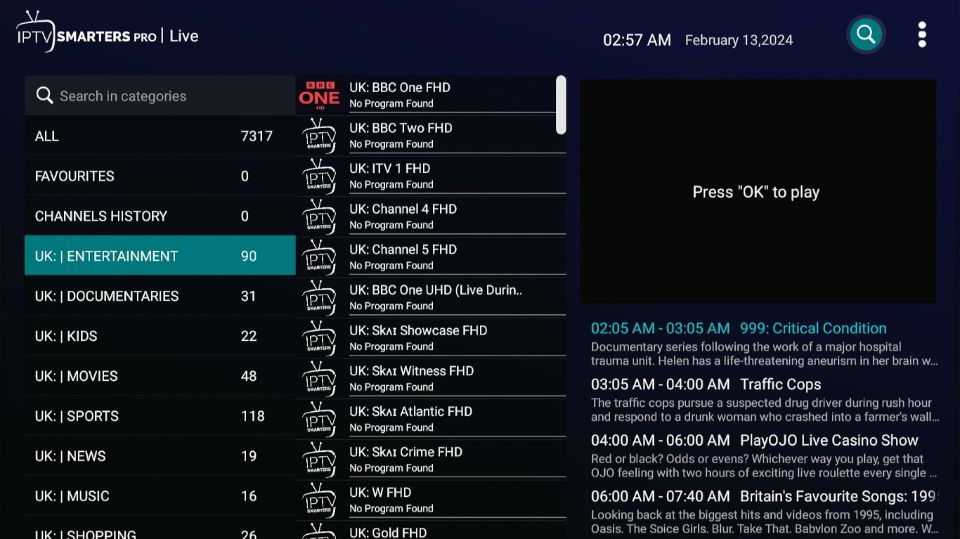
Press the select button to open it.
3 – Open and use the keyboard
The on-screen keyboard will appear.
Use the arrows to move between letters and numbers.
Press select to enter each character.
Type the name of the channel, movie, or series slowly and clearly.
4 – Choose from the results
Results may appear while you type or after you finish.
Scroll through the list using the arrow buttons.
Check names carefully to avoid choosing the wrong one.
Press select when your choice is highlighted.
5 – Start watching
The channel or video will start loading.
Give it a few seconds to play.
If it buffers or fails, go back and try another result.
Once it plays, you can control it normally with your remote.
Frequently Asked Questions
Which IPTV apps let you search across many providers on Firestick?
Some apps can search through more than one playlist at the same time. Apps like Kodi (with add-ons) and popular IPTV players can do this if all your playlists are loaded correctly. If results are missing, reload your playlists or refresh the library. Not all apps mix results from different sources, so it depends on how the app is built.
How to Install IPTV Smarters Pro on Firestick?
To install IPTV Smarters Pro on Firestick and go to Firestick Settings > My Fire TV > Developer Options and enable “Apps from Unknown Sources.” Then install the Downloader app, open it, enter the official IPTV Smarters Pro download link, install the app, and open it to add your IPTV details (M3U or Xtream Codes).
Can I use a Bluetooth keyboard to search IPTV on Firestick?
Yes. Go to Settings, then Controllers & Bluetooth Devices, and pair your keyboard. Once connected, you can type much faster in search bars. If it doesn’t work inside your IPTV app, restart the Firestick and try again.
How do I clear IPTV search history on Firestick?
Go to Settings, then Applications, then Manage Installed Applications. Choose your IPTV app and tap Clear Cache. If your search history is still there, use Reset App Data, then open the app again and sign in.
Does searching affect internet speed or streaming quality?
No. Searching uses almost no data. But if you search while a video is playing, it can slow things slightly. Pause the video, close other apps, or restart your Firestick if you see buffering.
Can I block adult or unwanted content from search?
Yes, in many IPTV apps you can enable parental controls in the settings. If your app doesn’t have this option, use Firestick’s built-in PIN controls or switch to an app that supports content filtering.