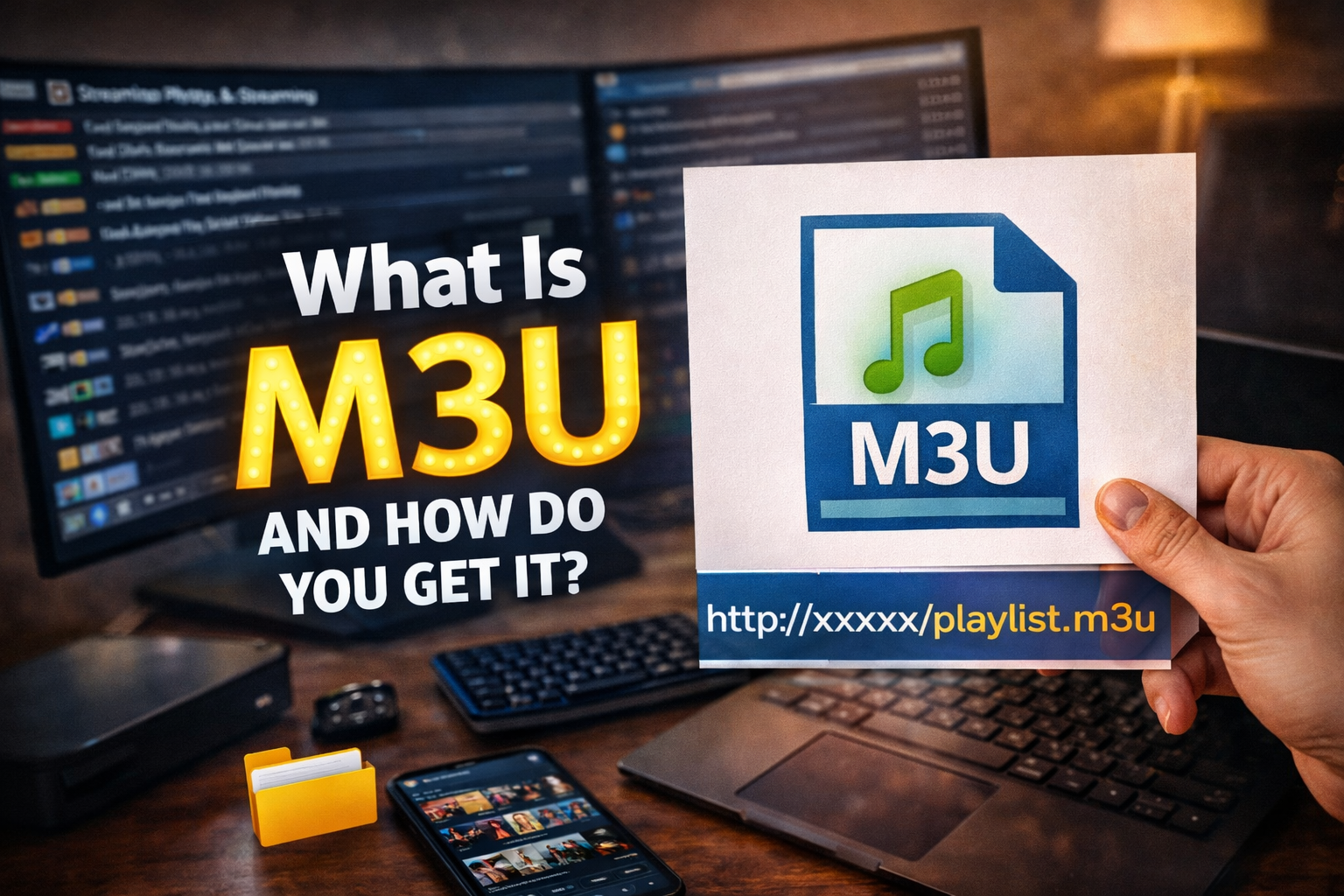
An M3U file is a simple playlist that tells your player where your channels or videos are by listing their links, not the videos themselves. If it starts with #EXTM3U, it can also show extra info like channel names and details that make the list easier to use.
An M3U8 file is the same type of playlist but made to work well on all systems without breaking names or symbols. You usually get these files from your own media library, official providers, or a legal IPTV subscription. It’s best to avoid random “free” playlists because they are often unstable or unsafe. Next, you’ll learn how to open, check, and even create your own M3U playlist.
What Is an M3U Playlist File?
An M3U playlist is basically a simple list that tells a media app what to play and in what order. It doesn’t contain any videos or music itself. It just points to where the content is, usually using internet links or file locations, one per line, so the player knows what to load.
When an M3U starts with #EXTM3U, it means it can also show extra info like the name of a channel or track and sometimes its length. This helps the player display clear titles instead of just long links, making the playlist easier to use.
Because it’s just a text file, you can open it easily, check if a link is broken, or fix small problems yourself. It’s simple, flexible, and works with many different media players.
How M3U IPTV Works ?
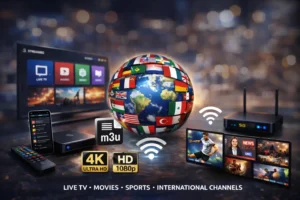
M3U IPTV works through a playlist file or link called an M3U. This file does not store videos. Instead, it contains a list of internet addresses that point to live TV channels, movies, and series stored on remote servers.
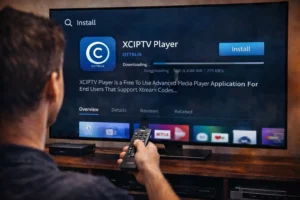
When you add an M3U link or file into an IPTV player like XCIPTV, TiviMate, VLC, or Kodi, the app reads that list and organizes it into categories such as Live TV, Movies, and Series. Each line in the M3U represents one channel or video stream. When you click on a channel, the player connects to the server using that link and starts streaming the video in real time.
Behind the scenes, the stream is delivered over your internet connection, just like watching a video online. Your IPTV player only acts as a reader and a player, it does not create the content. This means the speed, quality, and stability depend mainly on your internet and on the quality of the IPTV server that provides the M3U.
Where Can You Get an M3U Playlist Safely?
| Source Type | Advantages | Disadvantages |
| Personal Media Server (your own library) | Fully legal, safe, no ads, full control, works offline for local files | Limited to your own content, requires setup and storage |
| Official Broadcaster Feeds | Legal, stable streams, good quality, support available | Often limited by region, may require account or payment |
| Paid IPTV Subscription | Large channel choice, support, stable service, regular updates | Monthly cost, quality depends on provider |
| Public “Free” Playlists | Easy to find, no payment needed | Often illegal, unstable, risky for malware, can stop anytime |
| Social Media / Paste Links | Quick access, many channels | Very unsafe, high legal risk, many dead or fake links |
How Do You Create an M3U Playlist (Step-by-Step)?
To make an M3U playlist, think of it as writing a simple list for your media player. You don’t need special software, just a basic text editor.
Start by opening a text editor and saving the file as .m3u or .m3u8. On the first line, write #EXTM3U. This tells the player that your file is a playlist.
For each channel or video, add two lines:
First, write the name you want to see in the player.
On the next line, paste the link or file location of the video or channel.
You can move lines up or down to change the order of playback. When you finish, open the file in your media player to test it. If it plays, your playlist works.
Frequently Asked Questions
Is It Legal to Use IPTV M3U Playlists in My Country?
It depends on your country’s copyright and licensing laws; you can’t assume it’s legal. You’ll face legal risks if streams aren’t authorized, and local enforcement varies. Check broadcasters’ rights, ISP policies, and regulations.
Can M3U Playlists Include TV Channel EPG Guide Data?
Yes, M3U playlists can reference EPG guide data, but they typically don’t embed it; you’ll use EPG Integration via an external XMLTV URL. Accurate Channel Mapping (tvg-id/group-title) ensures listings align properly.
Why Does My M3U Playlist Stop Working After a Few Days?
Your M3U stops working because the provider’s URL token expires, causing playlist expiry, or streams change behind the scenes. Check for server caching, rotated links, IP locks, and refresh the playlist URL regularly.
Can I Use One M3U Playlist on Multiple Devices Simultaneously?
You can, but it depends on your provider’s concurrent streaming limits and allowed simultaneous connections. Test by starting streams on two devices; if one drops, your account’s capped, or your player’s reusing tokens.
How Can I Protect My M3U URL From Being Shared or Stolen?
You can’t fully prevent sharing, but you can deter it: use access control with per-device logins, short-lived signed URLs, token rotation, and IP/device binding. Monitor logs for anomalies, revoke compromised tokens fast.