The best box for IPTV in 2026 is the Amazon Fire TV Stick 4K Max or an Android TV box, depending on your budget and how much flexibility you need. The right device makes a huge difference in stream quality, app compatibility, and overall ease of use.
Whether you are just getting started or upgrading your current setup, pairing a quality box with a reliable provider like IPTV USA ensures a smooth, buffer-free experience. This guide covers the top five devices, what makes each one stand out, and a full comparison table to help you choose the right one for your needs.
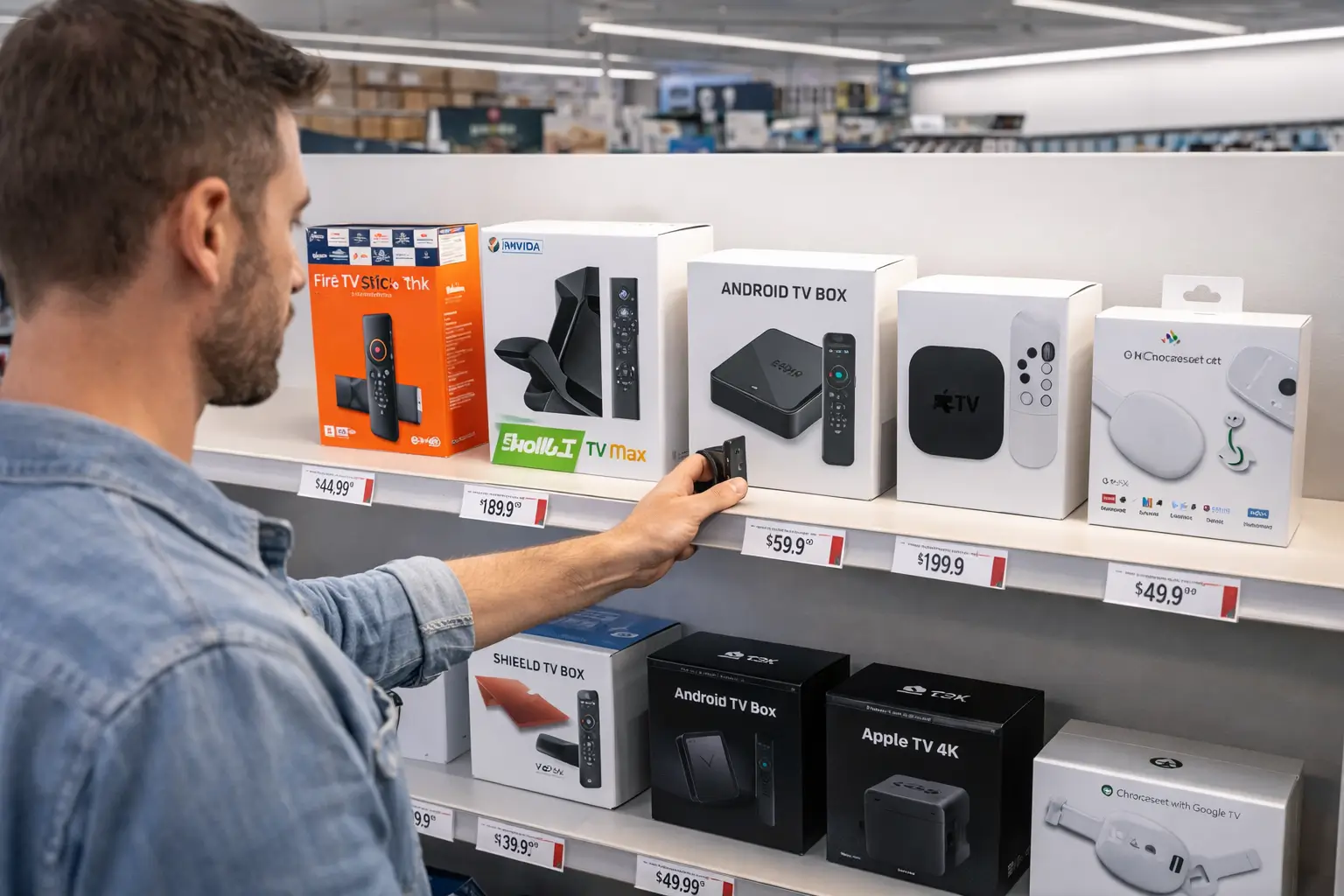
1. Amazon Fire TV Stick 4K Max — Best Overall for Most Users
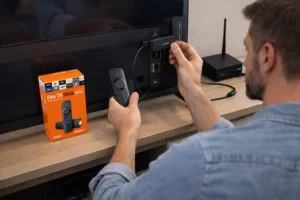
The Amazon Fire TV Stick 4K Max is the most popular IPTV device for a good reason, it strikes the perfect balance between price, performance, and ease of use. It supports 4K HDR streaming, runs on a fast octa-core processor, and comes with Wi-Fi 6 support for a more stable wireless connection.
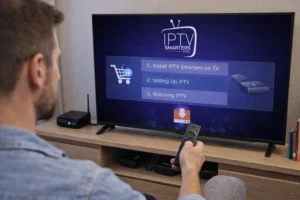
Most major IPTV apps like TiviMate, IPTV Smarters, and GSE Smart IPTV can be sideloaded onto the device with minimal effort. At around $60, it is one of the most affordable entry points into high-quality IPTV streaming, and Amazon’s regular software updates keep it running smoothly over time.
2. NVIDIA Shield TV Pro — Best for Power Users and 4K Enthusiasts
The NVIDIA Shield TV Pro is the premium choice for viewers who refuse to compromise on performance. It runs on the powerful Tegra X1+ chip, supports true 4K HDR with Dolby Vision and Dolby Atmos, and comes with 3GB of RAM, making it one of the fastest Android TV devices ever made.
It handles multiple simultaneous streams without any lag and works flawlessly with every major IPTV player available. The Shield also doubles as a Plex media server and a gaming device, making it an exceptional value if you want an all-in-one media hub. The main downside is its price, which sits around $200.
3. Android TV Boxes — Best for Flexibility and Customization
Generic Android TV boxes from brands like Formuler, Buzz TV, or Mecool offer a level of customization that no other category can match. Because they run full Android OS, you can install virtually any IPTV app directly from the Google Play Store or via APK sideloading, without any restrictions.
Many of these boxes are specifically designed and optimized for IPTV use, with hardware decoders that handle high-bitrate streams smoothly. Prices vary widely from $30 to $120 depending on the specs, making it easy to find a model that fits your budget. They are particularly popular among IPTV enthusiasts who want full control over their setup and apps.
4. Apple TV 4K — Best for iPhone and Mac Users
If you are already in the Apple ecosystem, the Apple TV 4K is the most seamless IPTV experience available for iOS and macOS users. It runs tvOS, which is fast, stable, and extremely well optimized for video playback. Apps like IPTV Smarters Pro and GSE Smart IPTV are available directly on the App Store, making setup quick and hassle-free.
The Apple TV 4K also supports AirPlay, allowing you to mirror content from your iPhone or iPad to the big screen instantly. At around $130, it is not the cheapest option, but for Apple users the integration with their existing devices and seamless interface makes it a premium but worthwhile investment.
5. Chromecast with Google TV — Best Budget-Friendly Option
The Chromecast with Google TV is Google’s answer to the Fire Stick and offers a surprisingly capable IPTV experience at a budget-friendly price point of around $30 to $50. It runs Google TV on top of Android TV, which means full access to the Google Play Store and easy installation of IPTV apps like TiviMate or IPTV Smarters.
The interface is clean, voice search works well with the included remote, and streaming quality is solid for HD content. It may not be as powerful as the Shield or Fire Stick 4K Max for very high-bitrate streams, but for everyday IPTV use it performs reliably and is hard to beat at this price.
6. Full Device Comparison — Which Box Should You Choose?
Here is a side-by-side summary of all five devices across the criteria that matter most when choosing an IPTV box. Use this table to quickly identify which device fits your budget, technical level, and viewing habits:
| Criteria | Fire TV 4K Max | NVIDIA Shield Pro | Android Box | Apple TV 4K | Chromecast GTV |
| Price | ~$60 | ~$200 | $30 – $120 | ~$130 | ~$30 – $50 |
| 4K HDR support | Yes | Yes | Some models | Yes | Yes |
| IPTV app support | Excellent | Excellent | Full / Unlimited | Good | Good |
| Ease of setup | Very easy | Moderate | Moderate | Very easy | Very easy |
| Performance | High | Excellent | Varies | High | Medium |
| Sideload apps | Yes | Yes | Yes | No | Limited |
| Best for | Most users | Power users | Enthusiasts | Apple users | Budget viewers |
| Overall rating | ★★★★★ | ★★★★★ | ★★★★☆ | ★★★★☆ | ★★★☆☆ |
If you are unsure where to start, the Amazon Fire TV Stick 4K Max is the safest all-around pick. For maximum performance with no budget limit, go with the NVIDIA Shield Pro. If you want full control and customization, an Android box is the way to go.
Frequently Asked Questions
What is the best IPTV box for beginners?
The Amazon Fire TV Stick 4K Max is the best option for beginners — it is affordable, easy to set up, and compatible with all major IPTV apps.
Can I use any Android box for IPTV?
Yes, most Android boxes support IPTV apps. However, models with at least 2GB of RAM and a quad-core processor will give you the smoothest streaming experience.
Is the NVIDIA Shield worth the price for IPTV?
Yes, if you want the absolute best performance. The Shield handles 4K HDR streams, Dolby Atmos, and multiple apps simultaneously without any issues — it is built to last.
Does Apple TV work well with IPTV?
Yes, Apple TV 4K works well with apps like IPTV Smarters Pro and GSE Smart IPTV available on the App Store, though sideloading is not possible on iOS devices.
Do I need a 4K box if my TV is only HD?
No. A standard HD device will work perfectly fine for an HD TV. However, a 4K box is a good investment if you plan to upgrade your TV in the future.
Can I use a smart TV instead of a box for IPTV?
Yes, many smart TVs support IPTV apps natively. However, a dedicated streaming box usually offers better performance, more storage, and wider app compatibility.
How much RAM do I need in an IPTV box?
At least 2GB of RAM is recommended for smooth performance. For 4K streaming and running multiple apps, 3GB or more will give you a noticeably better experience.