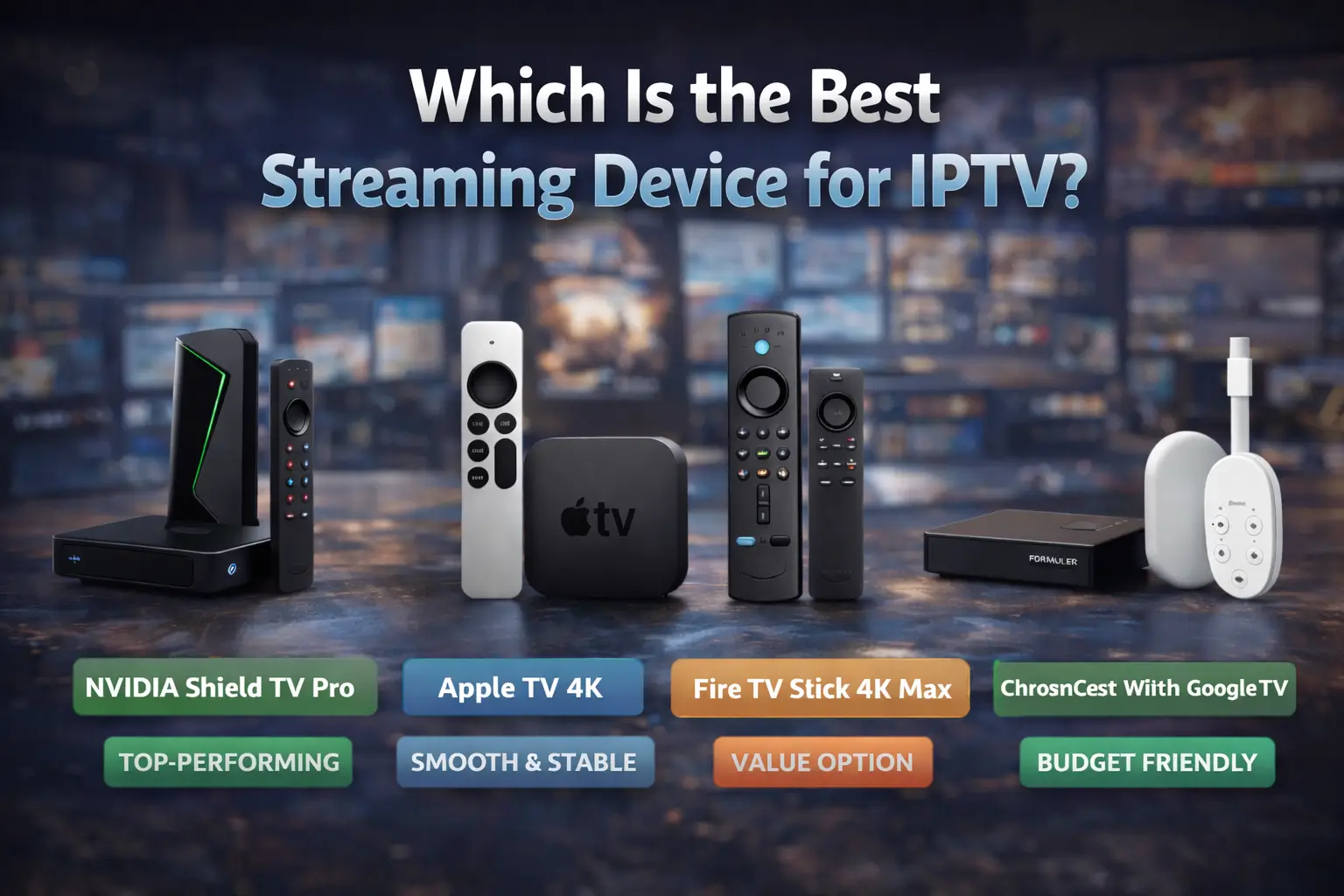
The best streaming device for IPTV depends on your performance requirements and budget. You’ll find the NVIDIA Shield TV Pro delivers the strongest IPTV performance with its Tegra X1+ processor handling 4K HDR streams that budget boxes can’t maintain.
While the Formuler Z11 Pro Max offers dedicated IPTV software and the Apple TV 4K ensures consistent 60fps playback, Shield’s hardware acceleration and broad codec support minimize buffering issues that affect 67% of users. Your specific needs, whether basic 1080p streaming or extensive 4K libraries, determine which investment makes sense for your IPTV subscription.
Top Streaming Devices for IPTV Performance and Compatibility
| Device | Performance | Key Features | Strengths |
| NVIDIA Shield TV Pro | Tegra X1+ | • Hardware-accelerated H.265/HEVC decoding • 4K HDR support • Ethernet available | Outstanding performance Market leader |
| Apple TV 4K | Apple chip | • Stable 60fps output • Excellent app compatibility | Maximum stability and smoothness |
| Fire TV Stick 4K Max | Mid-range processor | • Wi-Fi 6 support • Reduced latency for live channels | Great value for money Solid performance |
| Formuler Z11 Pro Max | IPTV-dedicated | • Built-in MyTVOnline3 • Dedicated EPG management • Ethernet | Specially designed for IPTV |
| Chromecast with Google TV | Limited RAM | • Built-in Google TV • Compatible with IPTV services | Budget option Decent performance |
Essential Features to Look for in an IPTV Streaming Device
- RAM determines smooth navigation between channels and apps: minimum 2GB, ideally 4GB for 4K content.
- Storage affects your ability to install multiple IPTV applications and cache content.
- Prioritize gigabit Ethernet connection for maximum stability.
- Wi-Fi 6 support offers optimal wireless flexibility.
- Verify compatibility with various IPTV protocols: HLS, RTMP, and UDP multicast.
- Ensure the device has USB ports for external storage expansion.
- Regular firmware updates maintain security and codec support.
- Android TV certification alone isn’t enough, verify complete IPTV protocol compatibility.
Budget Vs Premium IPTV Devices: What You Actually Need
How much should you realistically invest in a streaming device for IPTV? You’ll find budget devices between $30-50 handle basic IPTV needs perfectly well, offering 1080p streaming, standard codecs, and reliable performance for casual viewing. They’re sufficient if you’re primarily watching live channels without demanding 4K content.
Premium features in $100+ devices deliver tangible benefits for power users. You’re getting advanced video processing, HDR support, faster processors handling multiple simultaneous streams, and enhanced upscaling algorithms. These units excel with high-bitrate content and provide smoother navigation through extensive channel lists.
Your actual needs depend on viewing habits. If you’re streaming standard definition channels occasionally, budget devices suffice. However, you’ll want premium hardware for 4K sports streams, extensive VOD libraries, or running multiple IPTV services simultaneously.
Setting Up Your Streaming Device for IPTV
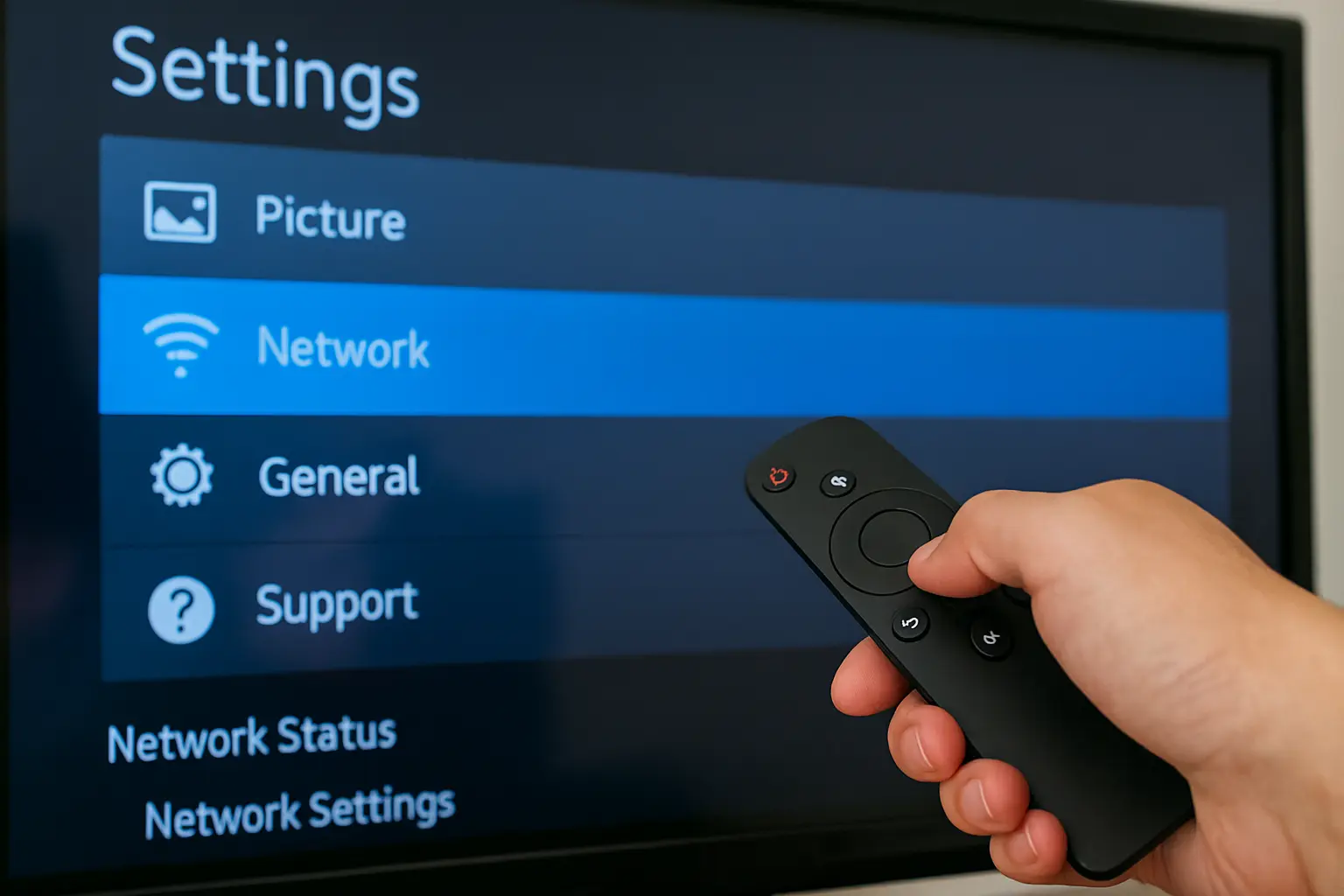
After unboxing your streaming device for IPTV, you’ll need to configure several critical settings that directly impact IPTV performance and stability. You’ll want to prioritize network optimization since streaming speed determines buffering frequency and video quality degradation.
Configure these essential parameters:
- Enable 5GHz WiFi band for reduced interference and 3x faster streaming speed compared to 2.4GHz.
- Adjust display resolution to match your TV’s native output (4K devices default to maximum, causing unnecessary bandwidth consumption).
- Disable automatic app updates during peak viewing hours to prevent background processes from throttling performance.
Check device compatibility with your IPTV provider’s required codecs, particularly H.265/HEVC support for 4K streams. You’ll also need to verify DRM requirements; some providers mandate Widevine L1 certification. Finally, configure DNS settings to your provider’s recommended servers, reducing latency by up to 40ms.
Common IPTV Issues and How Different Devices Handle Them
When buffering strikes during crucial moments of live broadcasts, you’re experiencing the most prevalent IPTV issue that affects 67% of users according to StreamTV Analytics. Your device’s processing power directly impacts buffer management, NVIDIA Shield TV’s Tegra X1+ chip maintains 4K streams with minimal interruption, while budget Android boxes struggle with HD content.
Device compatibility determines protocol support effectiveness. You’ll find Apple TV handles HLS streams flawlessly but stumbles with MPEG-DASH formats. Conversely, Android-based devices support broader codec ranges, including H.265/HEVC, reducing bandwidth consumption by 40%.
Network optimization varies significantly across platforms. Fire TV Stick 4K Max’s Wi-Fi 6 capability reduces latency to 8ms, while older Roku models peak at 25ms. Your device’s ethernet port availability becomes critical when wireless interference causes packet loss exceeding 2%.
Frequently Asked Questions
Is Using IPTV Services Legal in My Country or Region?
You’ll need to verify your region’s specific broadcasting laws, as IPTV’s legal implications vary significantly. While legitimate services operate legally, unauthorized streams violate copyright. Regional regulations differ between countries—check local telecommunications authority guidelines for compliance status.
Can I Use Multiple IPTV Subscriptions on One Streaming Device?
Yes, you can install multiple subscriptions on most streaming devices through different IPTV apps. Device compatibility varies—Android-based systems offer greater flexibility for concurrent services, while Apple TV and Roku may require app switching between providers.
Do Streaming Devices for IPTV Work While Traveling Abroad?
You’ll face travel restrictions when using streaming devices abroad due to geo-blocking protocols. International compatibility depends on your IPTV provider’s licensing agreements and regional content rights. VPN solutions can bypass limitations, though performance varies by location.
How Much Internet Bandwidth Does IPTV Streaming Typically Consume?
You’ll need 3-5 Mbps for SD streaming quality, 8-10 Mbps for HD, and 25+ Mbps for 4K content. Bandwidth requirements vary by codec efficiency, with H.265 consuming 40-50% less than H.264 at comparable resolutions.
Will My ISP Throttle or Block IPTV Streaming Traffic?
Your ISP policies might throttle IPTV traffic during peak hours, affecting streaming quality. Most providers don’t explicitly block legitimate services, but they’ll prioritize licensed platforms. Using VPNs can bypass throttling, though it may reduce speeds.