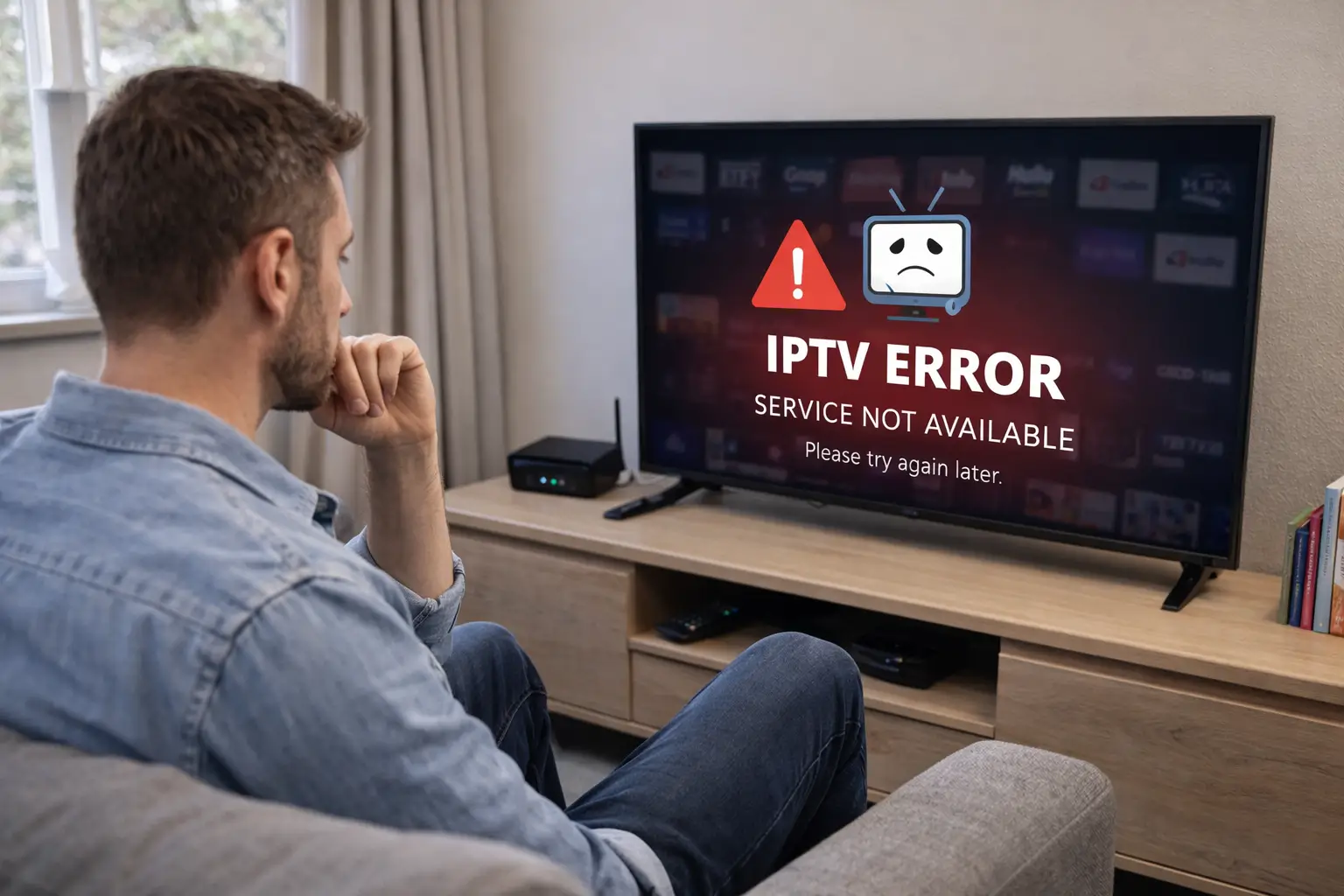
IPTV stops working mainly because of internet connection issues, server outages, expired subscriptions, or outdated apps. If your IPTV stream is buffering, showing a black screen, or simply not loading, you are not alone, these problems are very common and most of them can be fixed in just a few minutes.
Choosing a reliable provider like IPTV USA significantly reduces downtime and connection errors, but even then, local network or device issues can still get in the way. This article covers the six most common causes and gives you clear, actionable steps to get back to streaming as quickly as possible.
1. Your Internet Connection May Be Too Slow or Unstable
A weak or unstable internet connection is the number one reason IPTV stops working. IPTV requires a stable speed of at least 10 Mbps for HD content and 25 Mbps for 4K streaming. If your bandwidth drops or fluctuates, the stream will buffer, freeze, or disconnect entirely.
Start by restarting your router and waiting about 60 seconds before reconnecting. If possible, switch from Wi-Fi to a wired Ethernet connection, which is far more stable for video streaming. Run a speed test to confirm your actual download speed before blaming your IPTV provider.
2. The IPTV Server Could Be Down or Overloaded
Your IPTV provider’s servers can go offline for scheduled maintenance, experience unexpected technical failures, or simply get overloaded during peak viewing hours such as weekends or major sporting events. When this happens, the app may display a black screen, an error code, or just keep spinning indefinitely.
This type of issue is entirely outside your control. The best course of action is to wait 15 to 30 minutes and try again. Check your provider’s social media pages or support portal for a live status update, as most providers communicate outages there first.
3. Your Subscription May Have Expired or Been Blocked
An expired or suspended subscription will immediately cut off all your streams without any clear warning message. Many users forget to renew on time, especially with monthly rolling plans. Log into your provider’s dashboard or reach out to their support team to verify that your account is still active and in good standing.
Some providers also automatically block accounts that are used on too many devices at the same time, so make sure you are not exceeding your plan’s allowed number of simultaneous connections. Renewing or reactivating your account usually restores access within minutes.
4. The App or Player Needs to Be Updated or Reinstalled
An outdated IPTV app is a very common but often overlooked cause of playback errors, crashes, and blank screens. Developers regularly push updates to fix bugs, patch security issues, and maintain compatibility with their streaming servers.
Go to your device’s app store and check whether an update is available for your player, whether that is TiviMate, IPTV Smarters, GSE Smart IPTV, or any other. If updating does not resolve the issue, uninstalling and reinstalling the app from scratch often clears corrupted cache files or broken configuration settings that silently prevent streams from loading.
5. Your Device or DNS Settings May Be Blocking the Stream
Firewalls, active VPNs, or restrictive DNS settings on your device can silently block IPTV traffic without showing any obvious error. Some internet service providers also throttle or restrict streaming services during busy hours, which leads to degraded performance even when your speed test looks normal.
Try disabling your VPN if one is running, or change your DNS to a faster public option such as Google DNS (8.8.8.8) or Cloudflare (1.1.1.1). On smart TVs and streaming sticks, clearing the device cache regularly can also help resolve unexpected freezes or persistent loading issues that other fixes fail to address.
6. Quick Checklist: What to Verify Before Contacting Support
Before reaching out to your IPTV provider, run through this checklist to rule out the most common causes on your end. Most IPTV issues can be resolved in under five minutes by going through these steps one by one:
- Restart your router and device : a simple reboot fixes most temporary connection glitches.
- Check your internet speed : make sure you have at least 10 Mbps available for HD streams.
- Disable your VPN : VPNs can interfere with IPTV servers and reduce streaming quality.
- Verify your subscription status : log in to confirm your account is active and not expired.
- Update or reinstall your IPTV app : outdated players are a frequent but easy-to-fix culprit.
- Switch DNS to 8.8.8.8 or 1.1.1.1 : this bypasses ISP-level restrictions that block streams.
- Try a different device : if IPTV works on another device, the issue is isolated to the first one.
- Check the provider’s status page : confirms whether the problem is on their end, not yours.
If all of the above checks out and IPTV is still not working, then the issue is most likely on the provider’s side and you should contact their support with these details ready.
Frequently Asked Questions
Why is my IPTV buffering so much?
Buffering is usually caused by a slow internet connection or an overloaded server. Check your speed and try switching to a wired Ethernet connection for a more stable stream.
Why is my IPTV showing a black screen?
A black screen often means the server is down, your subscription has expired, or the stream link is broken. Verify your account status and contact your provider if the problem persists.
Why did IPTV suddenly stop working?
Sudden outages are usually caused by server maintenance, a lapsed payment, or a change in your network settings. Restart your router and check your account status first.
Does a VPN affect IPTV performance?
Yes. A VPN can slow your connection and block certain IPTV streams. Try turning it off temporarily to see if your streaming performance improves.
How do I know if the IPTV server is down?
Check your provider’s website, social media accounts, or contact their support team directly to get a real-time server status update.
Can too many devices break my IPTV connection?
Yes. Most plans allow only 1 to 2 simultaneous connections. Using more devices than your plan allows will automatically disconnect some or all of your streams.
What is the minimum internet speed needed for IPTV?
You need at least 10 Mbps for HD and 25 Mbps for 4K. Anything below that threshold will cause frequent buffering and interruptions during playback.