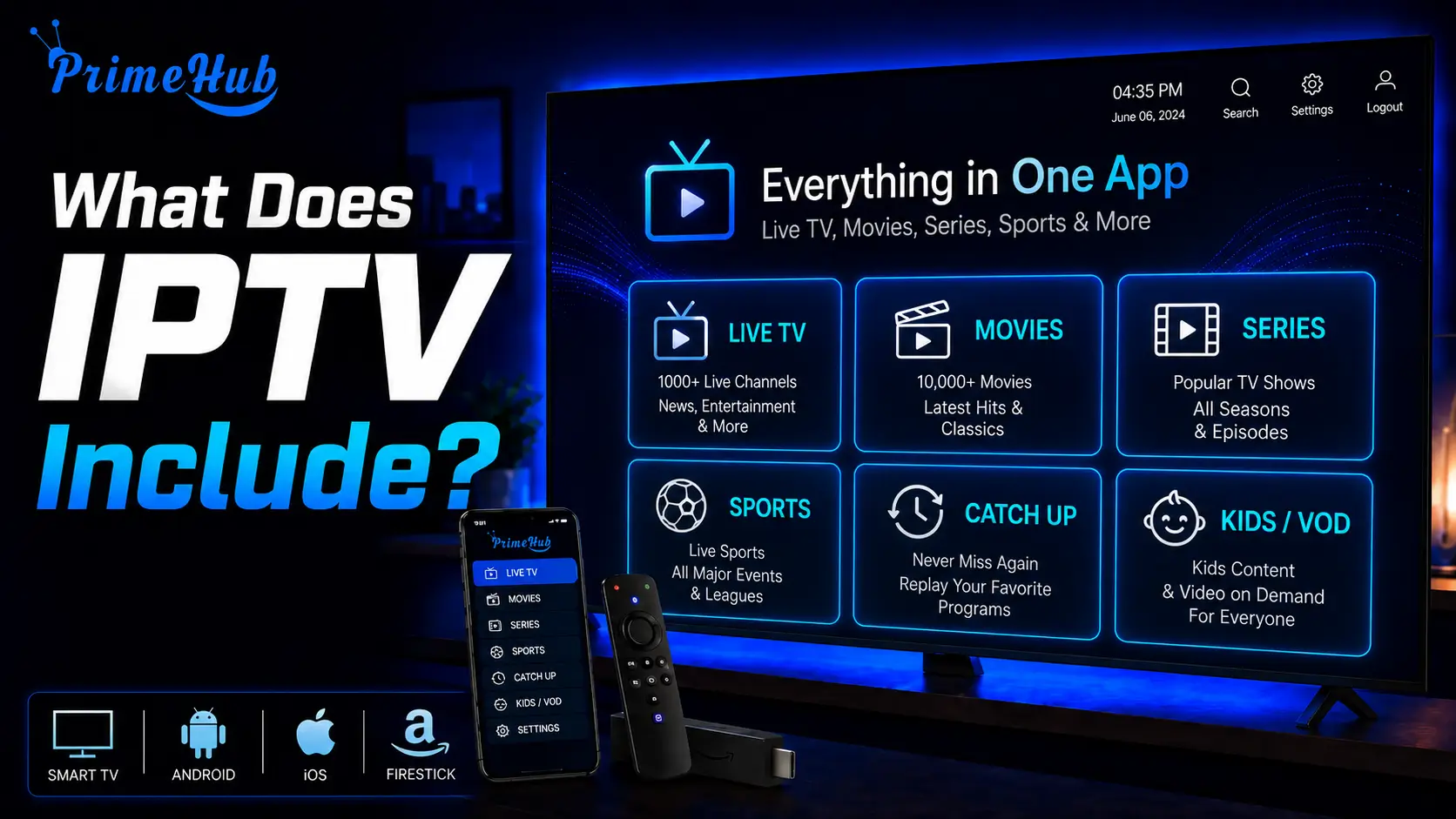
An IPTV subscription typically includes live television channels grouped by country and category, a video-on-demand library of films and series, an electronic programme guide, a set number of simultaneous streams, and in most cases catch-up television.
Some plans also include multiple picture quality options, adult-content filtering, and support for recording. What is included varies far more between providers than most people expect, and the differences are rarely obvious from a sales page.
Two services advertising a similar channel count can offer very different things once you look at what each actually delivers. Choosing a reliable provider like IPTV USA therefore means looking beyond headline numbers and checking the features, device support, stability, and extras included with the subscription.
Knowing what to look for before subscribing is worth more than comparing headline numbers. This article breaks down what a subscription contains, item by item, and which parts are commonly charged as extras.
1- The live channel line-up
Live channels are the core of every IPTV package, and they are usually organised into groups by country, language or subject.
A typical structure separates general entertainment, news, sport, films, documentaries, children’s programming and music. Larger packages add regional variants and international sections.
The important detail is not how many channels a service lists, but how many work reliably and how many you would actually watch. A package of two hundred well-maintained channels is worth more than several thousand where a large share are duplicates, dead links or feeds nobody watches. Channel counts are a marketing figure far more often than a measure of value.
Line-ups also change over time. Channels get renamed, moved between groups, or dropped entirely when a provider’s arrangements change. A service that keeps its list tidy and removes dead entries is doing real work that never shows up in a headline number.
2 – The on-demand library
Most subscriptions include a video-on-demand section containing films and series you can start at any time, separate from the live channels.
Size and presentation vary enormously. Some services offer a modest, well-curated selection with cover images, plot summaries, cast details and release years, which makes browsing feel like a mainstream streaming platform.
Others deliver an alphabetical list of file names and nothing else. The difference comes from the information the provider attaches to each title, not from the app you use to watch it. If a browsable library matters to you, this is worth checking before you subscribe rather than after.
Series handling is worth a separate look. A well-organised service groups episodes into seasons with titles and numbering; a poorly organised one scatters them through a single long list where finding the next episode becomes a chore.
3 – The programme guide
Nearly every service includes an electronic programme guide showing what is playing now and next on each channel.
The guide arrives as a separate file from the channel list, which is why it sometimes fails while channels continue working perfectly. Its coverage depends entirely on the data your provider receives.
Expect good coverage on popular channels, often with a full week of listings, and patchy or absent coverage on smaller, regional and foreign-language ones. This is normal across the whole industry rather than a failing of any particular service.
Judging a provider by whether every channel has listings sets an unrealistic standard; judging it by whether the channels you watch are covered is far more useful.
4 – Catch-up and archive access
Many services include catch-up television, letting you replay programmes that have already been broadcast.
Depending on the provider, the archive covers anywhere from a few hours to about a week. You scroll back through the guide, select a finished programme, and it plays like on-demand content.
Catch-up is one of the clearest markers separating a well-run service from a basic one, because it requires the provider to store and index content rather than simply pass a stream along. Availability is per channel, not universal, so a service offering catch-up will not necessarily offer it everywhere.
5 – The number of simultaneous streams
Every subscription includes a set number of connections that can stream at the same time, typically one, two or three.
This single number matters more than most people realise. It determines whether two people can watch different things at once, and whether you can leave a subscription signed in on several devices.
It also causes one of the most misdiagnosed problems in IPTV. Exceeding the limit produces an empty channel list that looks exactly like a broken subscription or an expired plan, with no message explaining the real cause. Households with several screens should check this number before comparing prices, since a cheaper single-stream plan is often false economy.
6 – Picture quality options
Most services include several quality levels, usually standard definition, high definition and sometimes 4K on selected channels.
Quality is decided at the source, which means it varies between channels within the same subscription. Some look sharp and detailed, others noticeably soft, and no setting on your device improves a stream that arrives already compressed.
4K is worth treating with scepticism. Genuine 4K channels are relatively few, they require considerably more bandwidth, and services advertising extensive 4K content frequently mean upscaled material rather than true 4K sources. If it matters to you, ask which specific channels are involved.
What is included versus what costs extra
Providers structure their packages differently, and the same feature can be standard with one and an add-on with another. This table shows the usual pattern.
| Feature | Usually included | Often an extra |
| Live channels | Yes | Premium sport packages |
| On-demand library | Yes | Newest releases |
| Programme guide | Yes | — |
| Catch-up television | Often | Longer archives |
| One simultaneous stream | Yes | Additional streams |
| High definition | Yes | 4K channels |
| Adult content filtering | Yes | — |
| Recording support | Depends on player | — |
Read the plan details rather than the headline. The most common surprise is discovering that the advertised price covers a single stream, and that a household needing two or three pays meaningfully more than the figure that attracted them.
Access on multiple devices
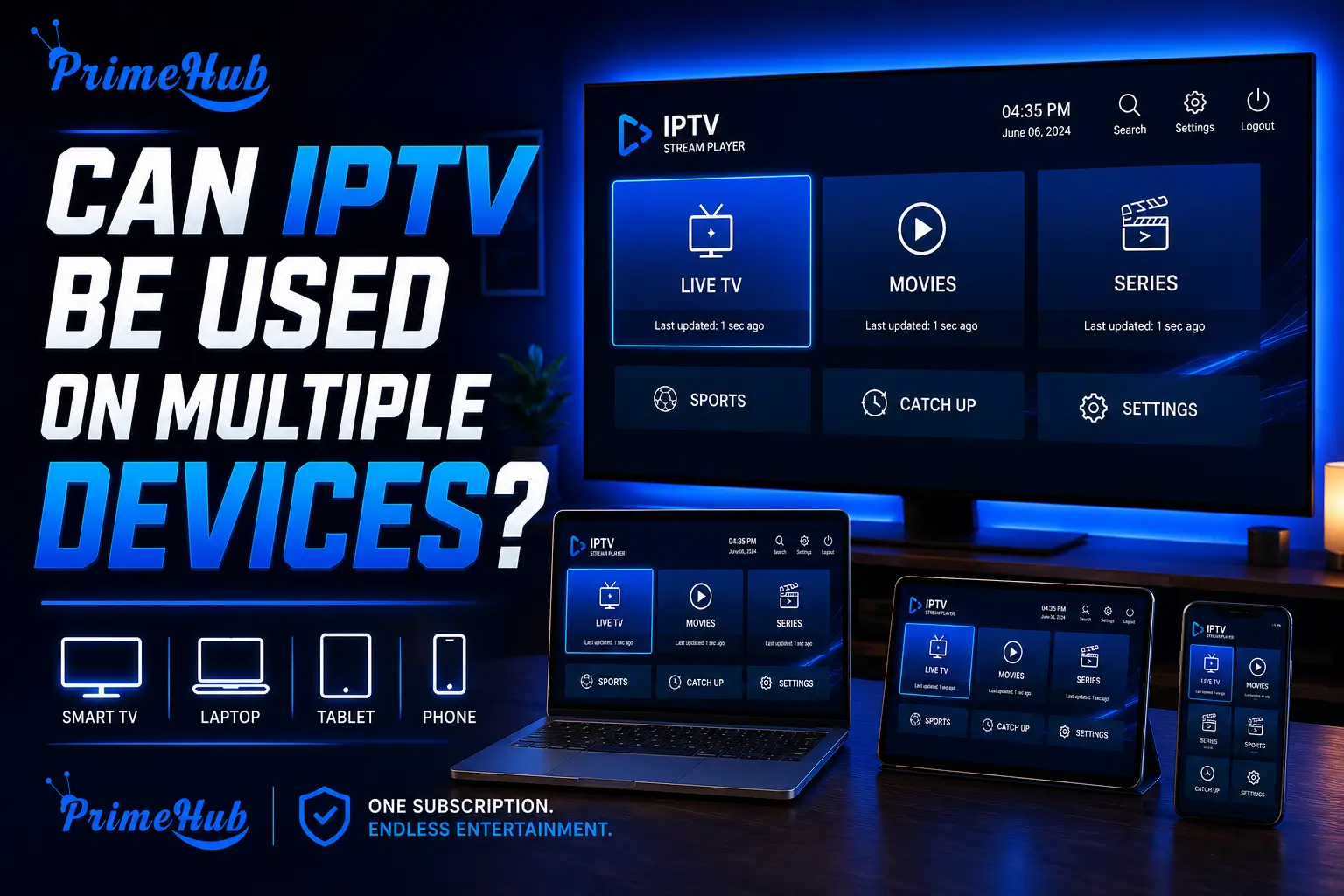
A subscription includes access from any compatible device, not a single fixed one, which is one of the practical differences from traditional television.
The same credentials work on a television, a streaming box, a phone, a tablet and a computer. You are limited by your simultaneous stream allowance rather than by the number of devices you set up.
This flexibility is genuinely useful in practice. You can keep a subscription configured on a living-room television, a bedroom set and a phone at once, and simply use whichever suits the moment without signing in and out.
What is not included is the player application itself. Providers supply content and login details; you install a player separately. Some distribute a rebranded app, though it is usually an existing player in different colours. Nor is hardware included — there is no box or dongle supplied with a subscription.
Support and account management
Every subscription includes some form of customer support, though quality varies more widely here than in any other area.
Better providers offer a customer dashboard where you can see your expiry date, manage registered devices, change your portal or playlist address, and sometimes register a new device yourself without waiting for a reply.
Weaker ones offer only a messaging channel with slow, generic responses. Self-service device registration is a particularly useful thing to look for, because MAC-based setups otherwise require a support request every time you change equipment. This is one of the clearest signals of how seriously a provider takes the operational side of its service.
Also worth checking: whether you can see your expiry date without contacting anyone, and whether renewal is self-service. Both sound trivial until a subscription lapses on a Sunday evening and nobody answers until Monday.
What is never included
Some things are outside the scope of any IPTV subscription, and expecting them causes avoidable frustration.
- A player application. You install one yourself on each device.
- Hardware. No box, stick or television is supplied.
- An internet connection. IPTV consumes bandwidth from the connection you already pay for.
- A guarantee of channel availability. Line-ups change; channels are renamed, moved or dropped.
- Complete programme guide data. Gaps are normal, particularly on smaller channels.
- Responsibility for your home network. Buffering caused by weak Wi-Fi is not something a provider can resolve.
Understanding this list in advance prevents the most common early frustration: opening a welcome email, finding a long link and no software, and assuming something has gone wrong.
How to check what a service really includes
Sales pages describe packages in broad terms, so a few targeted questions reveal far more than a feature list.
- Ask how many simultaneous streams the price covers, and what an extra one costs. This is the figure most often glossed over.
- Ask which channels are genuinely 4K, if that matters to you, rather than accepting a general claim.
- Ask whether catch-up is available on the channels you care about, since it is rarely universal.
- Ask whether a customer dashboard exists and what you can do in it without contacting support.
- Ask for the programme guide address at the same time as your playlist link, so you have both from the start.
- Ask what happens when you change device, which reveals whether the setup is tied to hardware.
A trial period is worth more than any answer to these questions. A few days of real use tells you what a specification never will: whether the channels you watch are stable at peak times, whether the guide populates properly, and whether support replies when it matters.
Frequently Asked Questions
Does IPTV include films and series?
Most services do, in an on-demand section alongside the live channels. Size and presentation vary widely between providers.
Is a programme guide always included?
Almost always, though coverage varies. Popular channels are usually well covered; smaller ones often are not.
How many devices can I use?
As many as you like, but only a set number can stream at the same time — typically one to three.
Does a subscription include an app?
No. You install a player yourself. The provider supplies content and login details only.
Is 4K included?
Sometimes, on selected channels. Genuine 4K sources are fewer than advertising suggests, and they need more bandwidth.
Does IPTV include catch-up?
Many services offer it, usually covering a few hours to about a week. It is per channel rather than universal.
Is recording included?
Recording is generally a feature of the player you choose rather than something the subscription provides.
Do I need to buy hardware?
No. Most people use a device they already own, such as a smart television, a streaming stick or a computer.
What happens when my subscription expires?
Access stops. Your player and settings stay installed, so renewing usually restores everything without reconfiguring.
Is adult content included?
Many services carry it and provide filtering or PIN protection. Check the settings if children use the same device.
Conclusion
An IPTV subscription includes rather more than a list of channels: a video library, a programme guide, a defined number of simultaneous streams, usually catch-up television, and access from whatever devices you own.
What it does not include matters equally. The player, the hardware and the internet connection are yours to provide, and a provider’s responsibility ends at the stream and the credentials that unlock it.
When comparing services, three things tell you more than any headline figure. The number of simultaneous streams, which decides whether the plan actually suits your household. The quality of the on-demand presentation, which reveals how much care goes into the service. And whether a self-service dashboard exists, which shows how well the provider handles the operational side.
Channel counts are the least useful number on any sales page. Two hundred reliable channels covering what you watch will always beat several thousand you will never open.
Related Articles
- Top Rated IPTV: What Makes a Service Truly Stand Out?
- How to Search on IPTV?
- How to Record IPTV on Plex?
- What Are the Best Movies on IPTV in 2026?
- What Is an IPTV Encoder and How Does It Work?
- How to Know That an IPTV Is Legit?
- What Is IPTV Reddit?
- What Is the Best TV Android Box in US?
- How to Use an IPTV Downloader Windows?
- Legal IPTV Providers in USA: What You Need to Know?