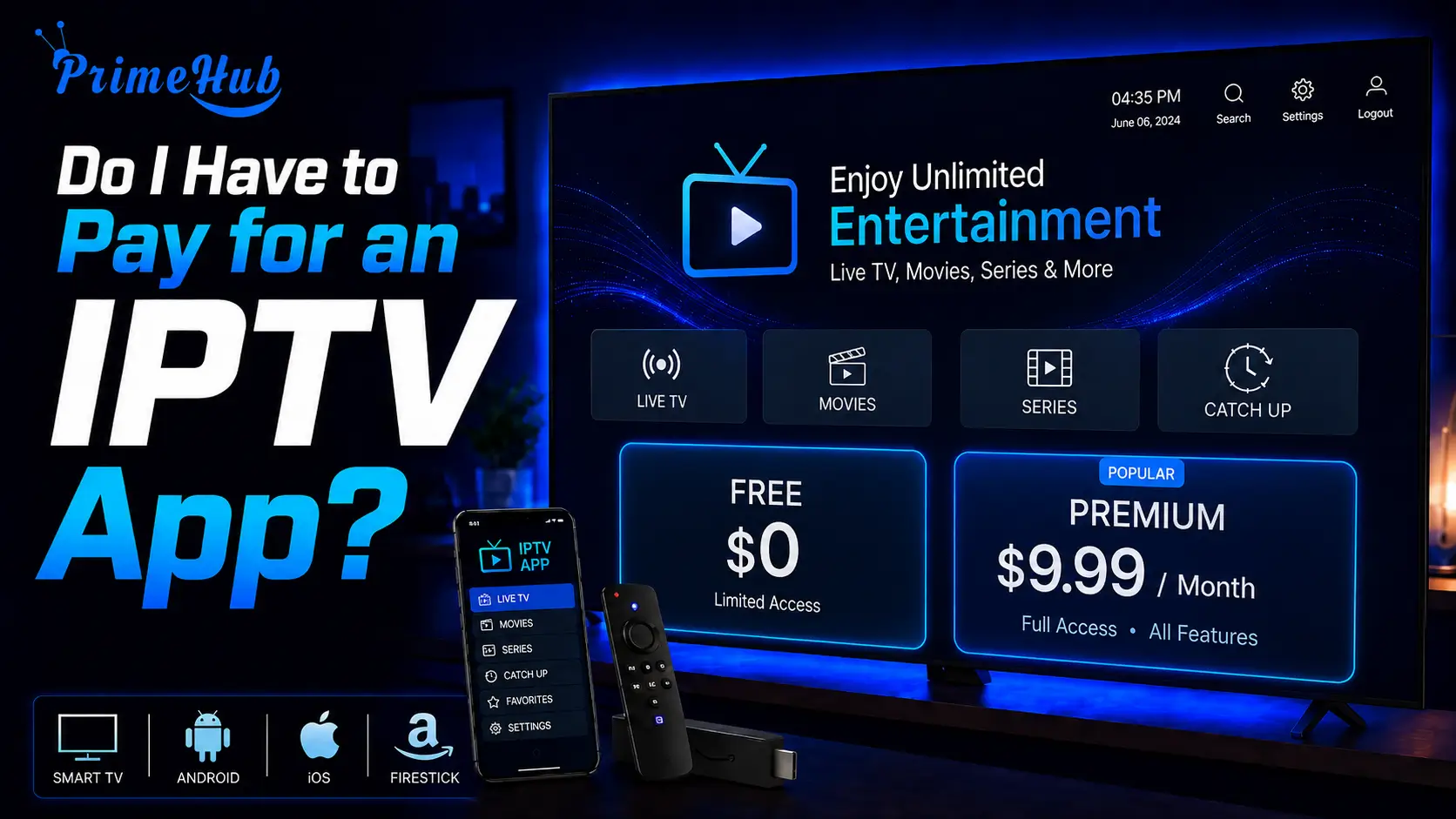
Sometimes yes, but the fee is usually small and it is completely separate from what you pay your IPTV provider. Many players are free, several offer a free version alongside a paid upgrade, and a few charge a one-off amount of a dollar or two.
Where a charge exists it goes to the app developer, not to your content service, and paying it gives you no channels at all. This is the single most misunderstood point in IPTV: two payments, two companies, two entirely different things. Understanding that distinction explains most of the confusion people run into, including the common situation of having a valid subscription and an app that has stopped working.
If you have ever paid for a subscription and then been asked for money again by the app itself, nothing has gone wrong. Here is how it actually works.
The two payments explained
You may end up paying twice: once for the player application, and once for the content you watch. These are unrelated transactions with unrelated companies.
The app payment goes to whoever wrote the software. It licenses the player on your device and nothing more. It gives you an interface, a programme guide layout and a way to organise channels.
The content payment goes to your IPTV provider. It gives you access to actual channels and films.
Neither can substitute for the other. Paying the app developer will never produce a single channel, and paying your provider will never unlock an expired app licence. Each expires on its own schedule, and they rarely fall due on the same day.
Which IPTV apps are actually free
A good number of capable players cost nothing at all, and for many households a free one is entirely sufficient.
Free players generally fall into three groups. Some are open-source projects funded by volunteers and donations. Some are ad-supported, showing advertising in the interface. Others are free with a paid tier that unlocks extra features, while leaving the core function unrestricted.
What you can expect from a good free player: playlist support, channel groups, favourites, a programme guide, and reliable playback. That covers everyday viewing completely. If you watch live channels and want a working guide, you may never need to pay anything for software.
Availability depends heavily on your device. Android boxes and streaming sticks have by far the widest choice of free players, computers a good selection, and smart televisions the fewest, which is why paid apps are most common on television platforms.
If you want to compare the strongest no-cost options across different devices, take a look at our Top 5 Best Free IPTV Apps for All Devices guide.
Why some apps charge at all
Paid players charge because software development has real costs, and IPTV players face two that most apps do not.
The first is compatibility maintenance. Streams come in many formats from thousands of different servers, all configured differently. Keeping a player working across that variety requires continuous work that never ends.
The second is platform restrictions. Players linked to third-party content are frequently removed from app stores, which pushes developers towards direct distribution and their own billing systems. That infrastructure costs money to run.
Prices are generally modest. Many charge a one-off amount of a dollar or two, others a few dollars a year, and a small number sell a lifetime licence. Compared with what you pay for content, the app is almost always the smaller line.
A third reason applies to smart television players specifically. Some require the developer to run servers that hold your settings and let you configure playlists from a browser rather than a remote. That service has ongoing costs, which is why televisions are the platform where small charges are most common.
What a paid app usually gives you
Paying typically unlocks convenience features rather than access to anything new. The channels are identical either way.
Common upgrades include:
- Multiple playlists running at the same time
- Recording to a drive or internal storage
- Settings synchronisation across several devices
- Picture-in-picture and multi-screen viewing
- Removal of advertising from the interface
- Deeper channel organisation, custom groups and sorting
- Catch-up support where the provider offers an archive
Whether these are worth paying for depends entirely on how you watch. Someone who watches live channels every evening will feel the difference within a week. Someone who watches occasionally probably will not.
One upgrade deserves particular mention: a faster, better-presented programme guide. It sounds minor next to recording or multi-screen viewing, but it is the feature you interact with most, and the difference between a sluggish guide and a smooth one is felt every single time you pick up the remote.
Free versus paid at a glance
The practical differences are easier to see side by side.
| Free apps | Paid apps | |
| Cost | Nothing, or ad-supported | One-off or small recurring |
| Channels | Identical | Identical |
| Programme guide | Usually included | Usually better presented |
| Advertising | Sometimes | Removed |
| Multiple playlists | Rarely | Usually |
| Recording | Rarely | Often |
| Support | Community forums | Developer support |
| Updates | Varies widely | Generally regular |
The row that matters most is the second one. Paying for an app changes nothing about what you can watch. It changes how comfortable the experience is, and nothing else.
Why your app suddenly asks for money
An app that worked yesterday and now demands payment has almost certainly reached the end of a trial period, or its licence has expired.
Many players on smart televisions work on a free trial of about a week. When that ends the app stops functioning until a licence is bought, even though your content subscription remains perfectly valid.
This produces the most common confusion in IPTV: a subscriber who has paid their provider, sees an expiry message, and concludes they have been cheated.
In reality two clocks are running. Before contacting anyone, check which one has stopped. Most apps show both a licence status and an expiry date somewhere in their settings or device information screen.
What you should never pay for
Some charges are legitimate and some are not. The difference is worth knowing before money changes hands.
Legitimate: a fee paid to the app developer through an official app store or their own website, and a subscription paid to a licensed content provider.
Not legitimate: anyone selling an app licence outside the developer’s official channels. Several popular players are sold this way by third parties who have no connection to the developer, and the licences frequently stop working within weeks.
Also treat with caution any service selling a bundle of “app plus channels” at an unusually low price. The two are separate products from separate companies, and packaging them together often signals an unauthorised operation rather than convenience.
If you are unsure whether a seller is legitimate, check where the payment is processed. Official app purchases go through a recognised app store or the developer’s own site. A request to pay by bank transfer, gift card or a method with no buyer protection is a clear warning sign.
Free apps that come with hidden costs
Not every free player is genuinely free, and a few carry costs that do not appear on a price tag.
Watch for these signals:
- Excessive permissions far beyond what a video player needs
- Aggressive advertising that interrupts playback rather than sitting in the interface
- No identifiable developer anywhere on the site or store listing
- Distribution only through file-sharing sites, never an official store
- Bundled extras installed alongside the player
An IPTV player needs permanent network access, which makes it exactly the kind of software you should not install from an unknown source. Sticking to official stores and developers’ own websites costs nothing and removes almost all of this risk.
How to decide whether to pay
The question is not whether a paid app is better in the abstract. It is whether the features you would unlock match how you actually watch.
Paying usually makes sense if: you watch live television daily, you run more than one playlist, you want to record programmes, you use several devices and want consistent settings, or advertising in the interface genuinely irritates you.
Staying free usually makes sense if: you watch occasionally, you have a single source, you mostly use the on-demand library, or you are still trialling providers and do not want to commit.
A sensible approach: start with a free player and use it for a fortnight. You will know quickly whether anything is missing. If the free version does everything you need, there is no reason to pay — and if it does not, you will know exactly which feature you are buying.
How to avoid paying twice by mistake
A few simple habits prevent the most expensive misunderstandings in this area, and none of them takes more than a minute.
- Write down both expiry dates — the app licence and the content subscription. They almost never coincide, and knowing both tells you instantly which one has lapsed.
- Check the app’s status screen before contacting anyone. Most players display the licence state and expiry somewhere in settings or device information.
- Buy only from official channels, meaning a recognised app store or the developer’s own website.
- Keep your receipts, since app licences are often tied to a device identifier rather than an account you can log into.
- Try the free version first, so you know which specific feature you are paying to unlock.
That first point resolves the majority of support messages sent on this subject. Two dates, written in the same place, and the guesswork disappears.
Frequently Asked Questions
Is the app fee the same as my subscription?
No. They are separate payments to separate companies. One licenses the software, the other gives you channels.
Are there completely free IPTV apps?
Yes, several capable ones. Some are ad-supported, some open-source, some free with an optional paid tier.
How much do paid apps cost?
Usually very little — a one-off dollar or two, a few dollars a year, or a small lifetime fee.
Does paying for the app give me channels?
No. Not a single one. The app is only an interface for content you supply yourself.
Why did my app stop working if my subscription is paid?
The app licence expired, not your subscription. Check the app’s status screen to confirm which one lapsed.
Can I buy an app licence from my IPTV provider?
Generally no. App licences come from the developer, through their store or website. Third-party sellers are best avoided.
Do free apps have fewer channels?
No. Channels come from your subscription, not the app. Free and paid players show exactly the same list.
Is a lifetime licence worth it?
If you watch regularly and are happy with the player, usually yes. The amounts involved are small.
Do I have to pay again on a second device?
Often yes, since many licences are tied to one device. Some developers offer multi-device options.
What if I stop paying for the app?
It stops working, but your subscription is unaffected. Install a free player and your channels return.
Conclusion
You do not necessarily have to pay for an IPTV app, and where you do, the amount is usually trivial next to what you pay for content.
The point worth carrying away is the separation. The app and the subscription are two different products, from two different companies, expiring on two different dates. Almost every confusion in this area traces back to treating them as one thing, including the very common belief that a provider has cheated you when in fact a software licence has simply run out.
Start with a free player. Use it properly for a couple of weeks. If it does everything you need, keep it and spend nothing. If you find yourself wanting multiple playlists, recording or a cleaner interface, then pay, knowing exactly what you are buying and, just as importantly, what you are not.
And whichever you choose, buy only from the developer’s official channels. That single habit avoids the majority of problems people encounter with app licences.
Related Articles
- Which IPTV App Is Better for Firestick?
- How to Install IPTV on Perfect Player?
- How to Install IPTV on Smart IPTV?
- How to Install IPTV on OTT Navigator?
- How Do You Get IPTV for Free?
- How to Install IPTV on Apple iOS with Smarters Player Lite?
- How to Install IPTV on TiviMate IPTV Player?
- How to Install IPTV on IPTV Stream Player?
- How to Use IPTV on XCIPTV Player?
- How to Use an IPTV Downloader Windows?