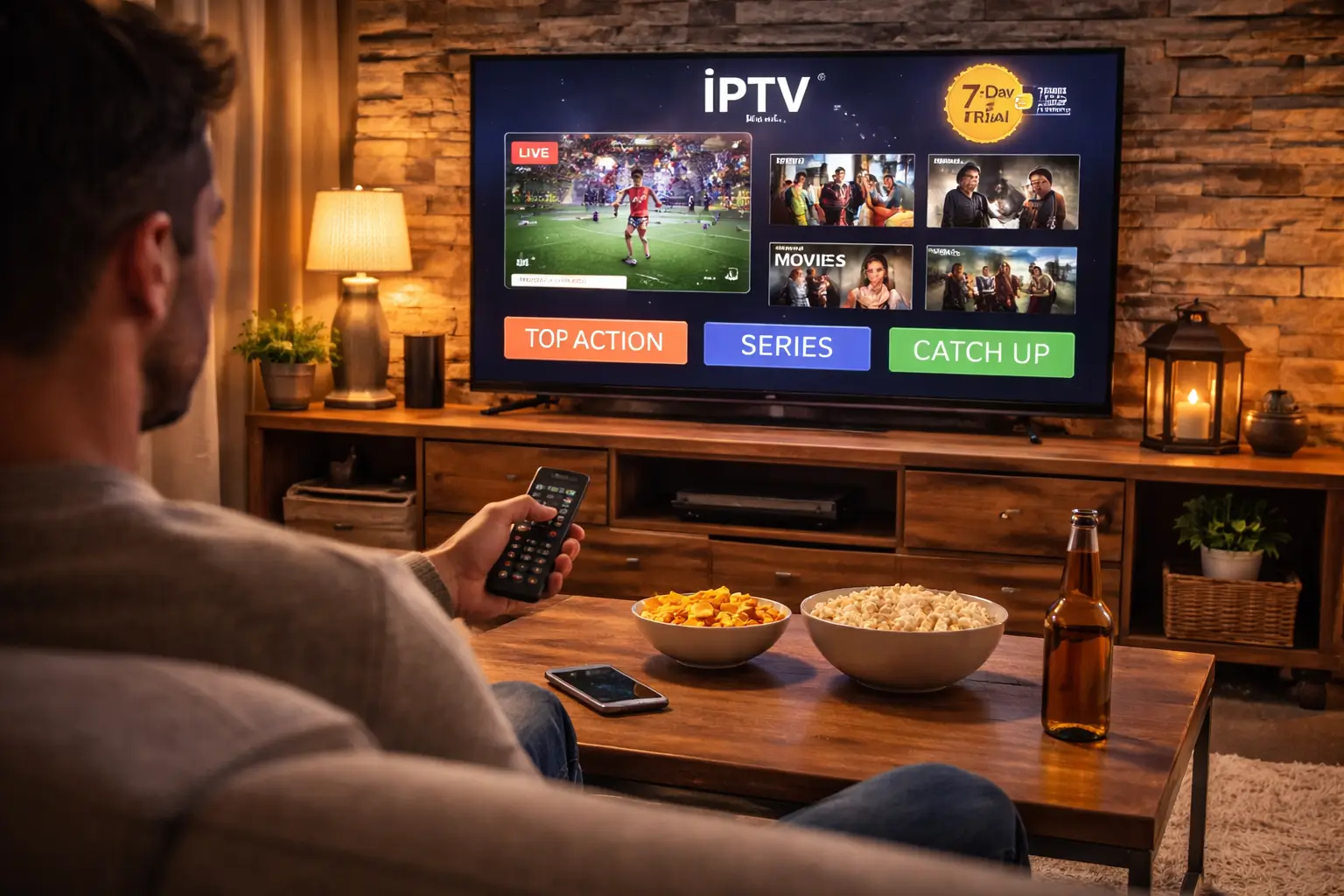
To test IPTV quality before committing to a plan, request a free trial from the provider, install the app on your main device, then systematically evaluate streaming stability, channel availability, picture quality, customer support, and pricing transparency during the trial period.
A trusted provider like IPTV USA offers a free trial with full access to 15,000+ channels and 60,000+ movies and series, so you can verify everything firsthand before subscribing. Follow these five steps to test any IPTV service like a pro and avoid wasting money on a provider that does not deliver.
1 — Request a Free Trial and Set Up Your Device
The first step is to get access to the service without paying anything, then install the app on the device you will use every day so you test under real conditions.
Visit the provider’s website : Look for a “Free Trial” button on the homepage, or contact their support via live chat or WhatsApp to request trial access.
Provide only your email address : A legitimate provider activates trials with just an email, no credit card or payment information should be required.
Receive your credentials : You will get either an M3U URL or Xtream Codes (server URL, username, password) by email within minutes of requesting the trial.
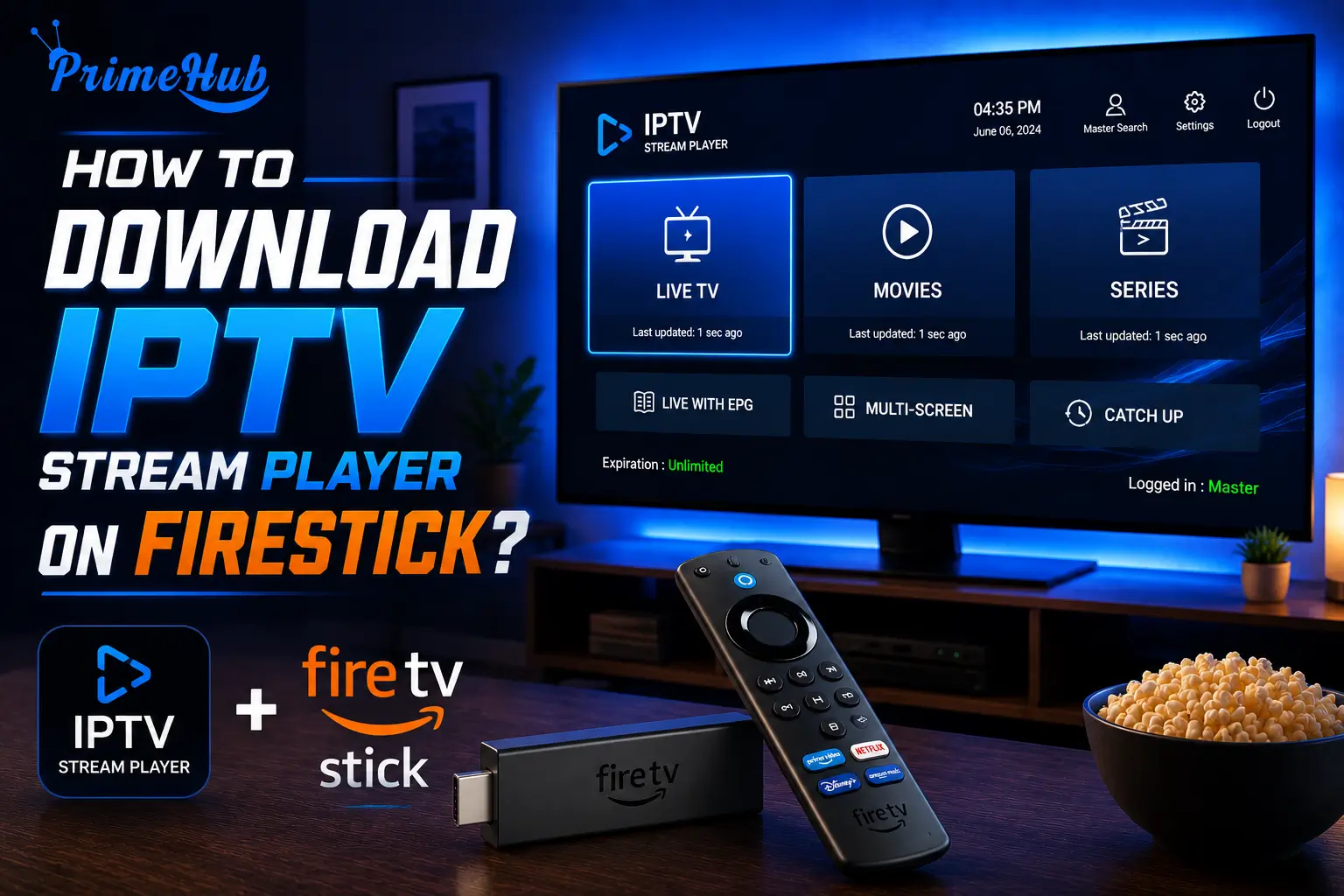
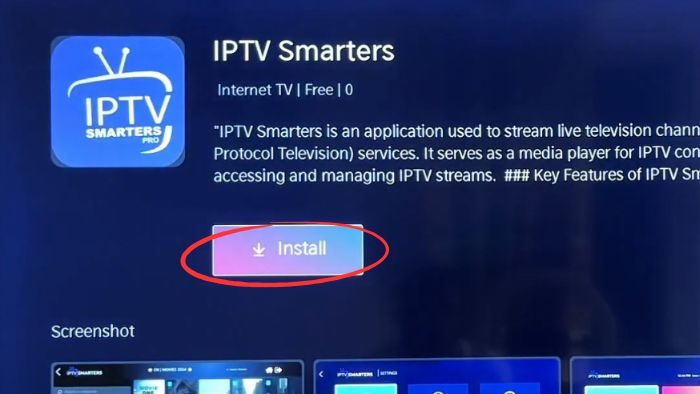
Install the recommended IPTV app : Download IPTV Smarters, TiviMate, or the app your provider suggests on your Fire Stick, Smart TV, Android Box, or phone.
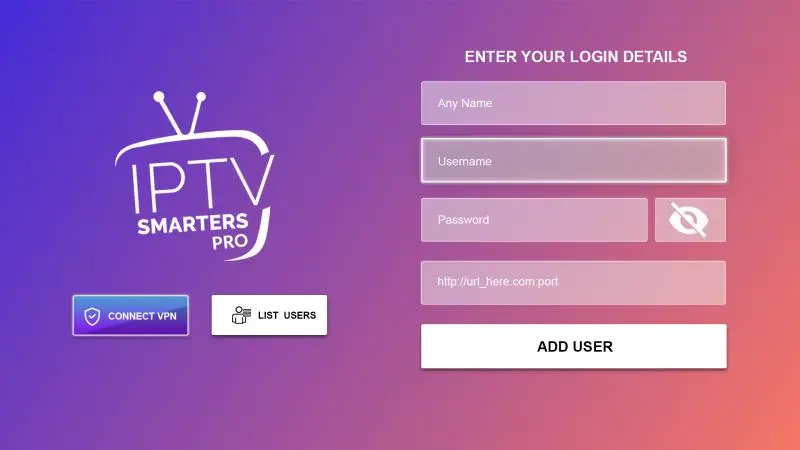
Enter your trial credentials : Open the app, select M3U or Xtream Codes login, and enter the details exactly as received to load your channel list.
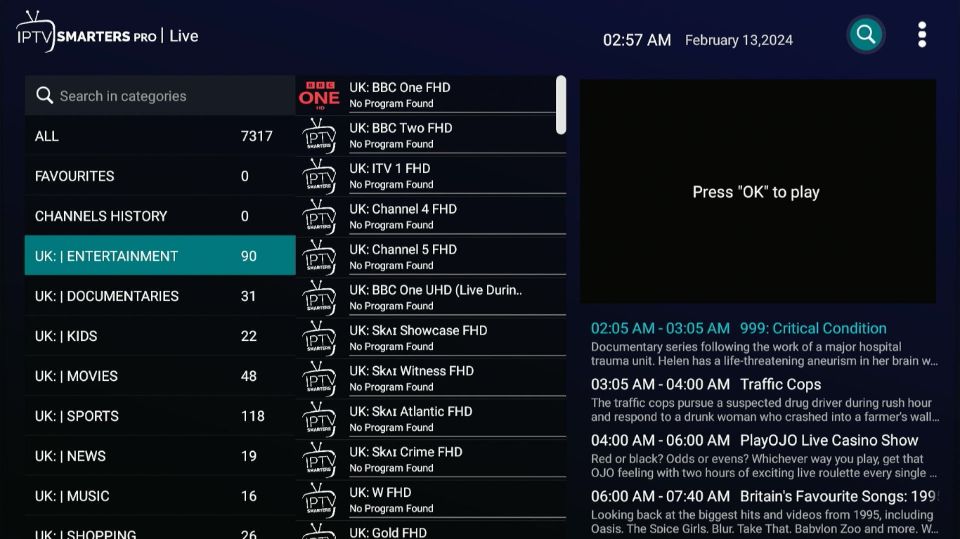
Confirm channels appear : Wait for the full playlist to load and verify that the main menu shows Live TV, Movies, Series, and EPG categories before moving to the next step.
2 — Verify Your Must-Have Channels and Content Library
Once the app is set up and working, your next priority is confirming that the provider actually carries every channel and type of content you watch regularly.
Check your daily channels first : Open every channel you watch most often, local news, national networks, sports, entertainment, and confirm each one plays without errors.
Test international content : If you watch channels in Spanish, Arabic, French, or other languages, browse the international section and verify the selection is deep enough for your needs.
Browse the sports category : Open every major sports network and confirm live event coverage, PPV channels, and dedicated sports feeds are included and functional.
Check the VOD library : Open the Movies and Series sections and verify the catalogue is large, well-organized by genre, and includes recent titles not just old content.
Test the EPG (program guide) : Open the TV guide and confirm it displays accurate schedules, correct channel logos, and detailed program descriptions for at least 48 hours ahead.
3 — Evaluate Streaming Quality During Peak Hours
This is the most critical step — a service that works at 2 PM on a Tuesday means nothing if it falls apart at 9 PM on a Saturday when you actually want to watch.
Watch one channel continuously for 30+ minutes : Pick a channel and leave it running without touching anything to check for freezing, buffering, pixelation, or sudden quality drops.
Test specifically between 7 PM and 11 PM : This is peak usage time when servers are under maximum load and when buffering problems are most likely to appear.
Compare HD and 4K channels : Switch between standard HD and 4K streams to verify that higher resolution content is genuinely sharper, not just relabeled SD feeds.
Check audio sync : Listen carefully for any delay between the picture and the sound, crackling audio, or sudden volume changes during playback.
4 — Test Customer Support Responsiveness
A provider’s support quality matters just as much as their streams, because when something breaks after you subscribe, support is the only thing standing between you and a useless subscription.
Send a message during the trial : Ask a real question about setup, a channel, or a setting to see how quickly and how helpfully the team responds.
Time the response : Under 30 minutes is excellent, under 2 hours is acceptable, over 24 hours with no reply is a major red flag.
Test multiple contact channels : Try live chat, WhatsApp, and email to see which ones are active and which are just listed on the website but never answered.
Evaluate the quality of the answer : A good support team gives clear, step-by-step solutions, a bad one sends generic replies like “restart your device” without understanding your problem.
Frequently Asked Questions
Should I always test IPTV before buying?
Yes, without exception. A free trial is the only way to verify that the channels, quality, and performance meet your expectations on your specific device and internet connection.
How long should an IPTV free trial last?
A 24-hour trial gives you a basic overview, but 3 to 7 days is ideal because it lets you test during multiple peak hours, weekdays, and weekends for a realistic picture.
Do I need to give my credit card for a free trial?
No. Legitimate providers activate trials with just an email address. If a provider demands payment information for a “free” trial, treat it as a red flag.
What is the single most important thing to test?
Peak-hour streaming stability. If the service runs smoothly between 7 PM and 11 PM without buffering, it will perform well at all other times too.
Can I test on multiple devices during the trial?
Yes, if the provider allows multiple connections. Use the trial to confirm the service works on your TV, phone, and tablet so you know every device is covered before you pay.
What if the trial is good but the paid service is worse?
This is why the refund policy matters. A trustworthy provider offers a 7-day money-back guarantee so you can get a full refund if the paid experience does not match the trial.
How do I know if a provider is trustworthy?
A trustworthy provider offers a free trial without requiring payment, responds to support messages quickly, has transparent pricing with no hidden fees, and provides a clear refund policy.