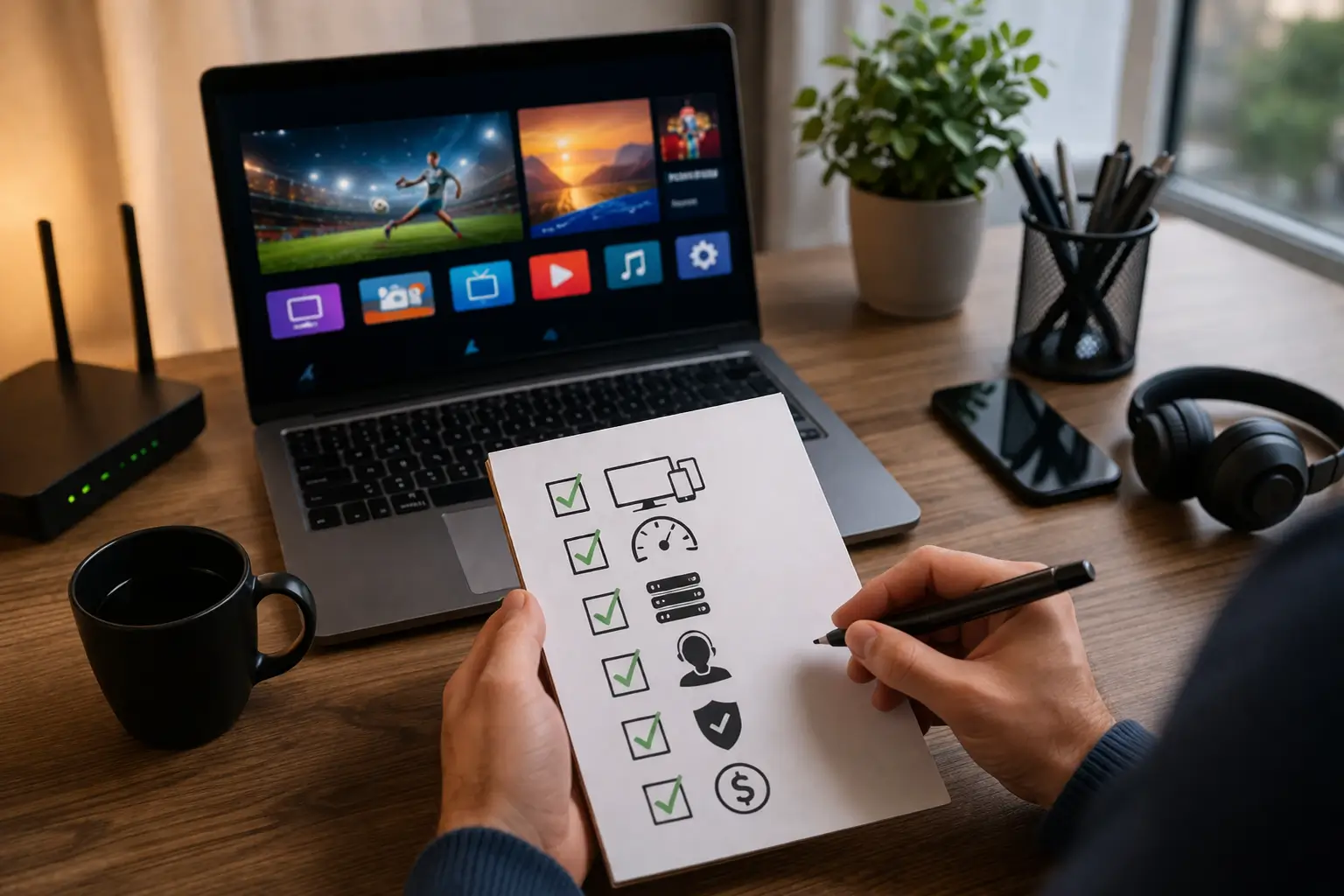
Before buying an IPTV subscription, you should evaluate five key factors: channel selection, streaming quality, device compatibility, customer support responsiveness, and pricing transparency, because choosing the wrong provider can lead to constant buffering, missing channels, zero support when things break, and wasted money on a service that does not deliver what it promises.
The IPTV market is crowded with providers of all quality levels, and not all of them deserve your money. A reputable provider like IPTV USA checks every box, 15,000+ live channels, 4K streaming, multi-device support, 24/7 customer service, and a free trial so you can verify everything before paying. This guide walks you through exactly what to check so you make a smart, confident purchase the first time.
Does the Provider Offer the Channels You Actually Watch?
The number one thing to verify before buying is whether the provider carries the specific channels you watch every day, not just how many channels they advertise in total.
A provider claiming 15,000 channels means nothing if your local news, your favourite sports networks, or the international content your family watches are not included.
Before subscribing, always request a channel list or, better yet, activate a free trial so you can scroll through the lineup yourself and confirm every channel that matters to you is present and working.
Key things to check in the channel lineup:
- Local and regional channels : Confirm your city’s local news and network affiliates are available, not just national feeds.
- Sports coverage : Verify that major sports networks and PPV events are included without extra charges.
- International content : If you watch channels in Spanish, Arabic, French, or other languages, make sure the selection is deep enough.
- Kids and family channels : Important if you have children, as not every provider includes a strong kids category.
- VOD library size and freshness : Check how many movies and series are available on demand and whether the titles are recent or outdated.
- Premium channels : Make sure top entertainment and movie channels are bundled in the base price and not billed as expensive add-ons.
Is the Streaming Quality Stable and High Definition?
Streaming quality is the second most important factor because even the best channel lineup is worthless if the picture constantly buffers, freezes, or looks blurry. A good IPTV provider should deliver smooth playback in Full HD (1080p) at minimum, with 4K Ultra HD available on supported channels.
The only reliable way to judge streaming quality is to test it yourself during a free trial, never trust screenshots or promotional claims alone. Watch for at least 30 minutes continuously on your main device, and specifically test during peak evening hours between 7 PM and 11 PM when servers are under the most pressure.
Here is what to evaluate during your test:
| Quality Factor | What to Look For | Red Flag |
| Resolution | HD and 4K on most channels | Everything looks blurry or stuck in SD |
| Buffering | Zero or rare buffering during 30+ minutes | Frequent pauses or loading circles |
| Channel switching speed | New channel loads in under 3 seconds | Takes 10+ seconds to change channels |
| Audio sync | Sound matches the picture perfectly | Audio is ahead or behind the video |
| Peak hour performance | Smooth playback between 7–11 PM | Works fine at noon but breaks at night |
| EPG accuracy | Program guide shows correct schedules | EPG is empty, outdated, or mismatched |
Does It Work on All Your Devices?
Before paying for any IPTV subscription, confirm that the service works on every device you plan to use, not just one. Some providers only support Android-based devices and leave Apple, Smart TV, and PC users without a working solution.
A quality provider offers full compatibility across Fire Sticks, Android Boxes, Smart TVs (Samsung, LG, Sony), iPhones, iPads, Windows and Mac computers, MAG Boxes, and gaming consoles.
Check which IPTV apps the provider supports, the most reliable ones are IPTV Smarters, TiviMate, GSE Smart IPTV, and IBO Player. Also verify how many devices can stream at the same time under one subscription, as this varies widely between providers.
Device compatibility checklist before buying:
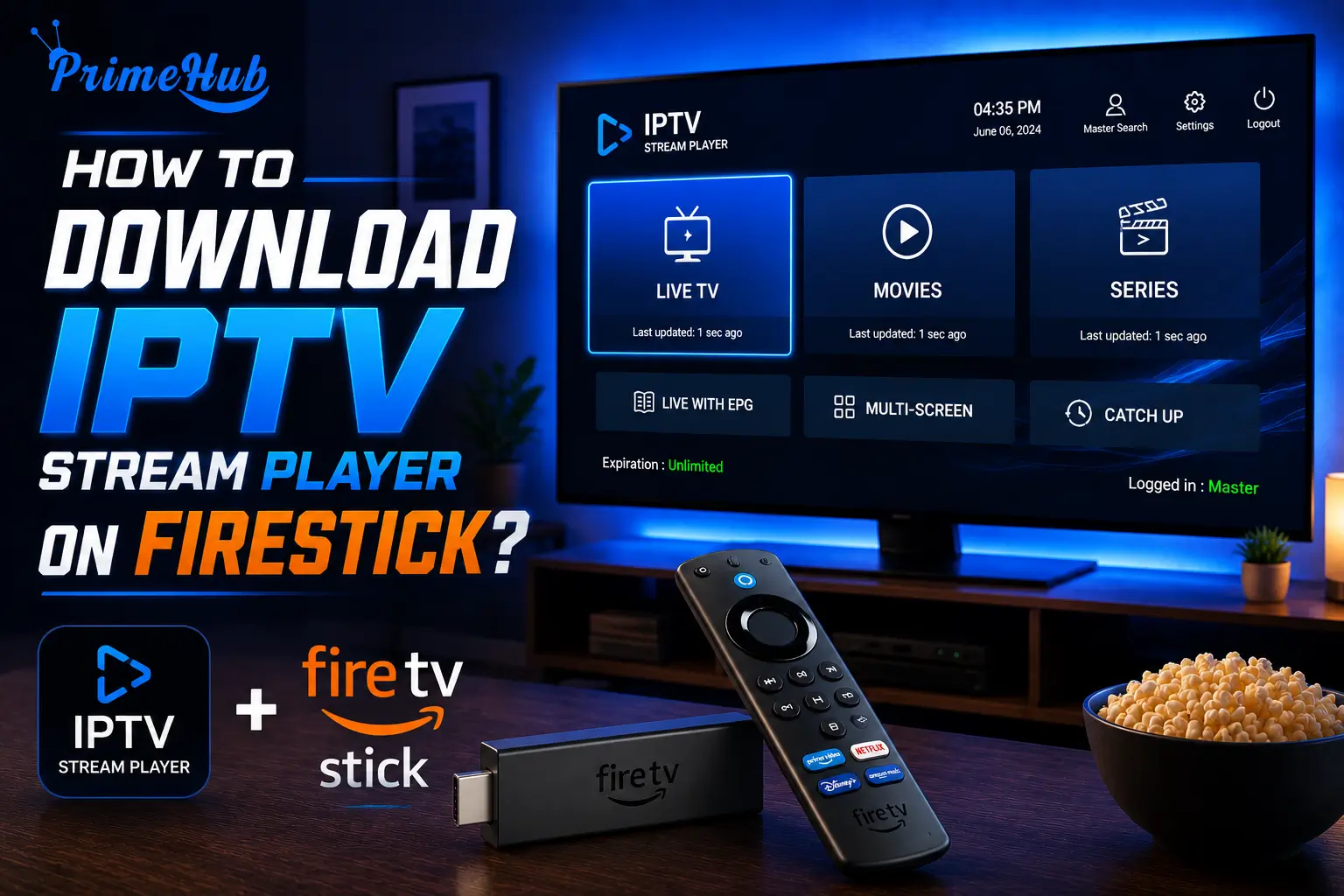
- Fire TV Stick : The most popular IPTV device, make sure the provider offers clear setup instructions and app support for it.
- Smart TV : Samsung and LG TVs use unique operating systems (Tizen and WebOS), confirm the provider has a compatible app or workaround.
- iPhone and iPad : Apple devices require apps available in the App Store, not all IPTV apps are approved by Apple.
- Android Box : Should work natively with most providers, but confirm 4K playback support if your box supports it.
- PC and Mac : Check whether the provider supports VLC, a web player, or a dedicated desktop app.
- Simultaneous connections : Confirm how many screens can stream at the same time (ideally 2 to 5) so your whole household is covered.
How Responsive Is the Customer Support?
Customer support is the factor most people overlook before buying, and it is the one they regret ignoring the most when something goes wrong. A great IPTV provider should offer 24/7 support through at least two channels, live chat and email at minimum, with WhatsApp or phone support as a bonus.
Before committing, test the support yourself by sending a question during the free trial and measuring how long it takes to get a useful response. A provider that takes 5 minutes to reply during a trial will likely take 5 minutes after you subscribe too, while a provider that ignores you during the trial will definitely ignore you once they have your money.
What to evaluate about customer support:
| Support Factor | Good Sign | Warning Sign |
| Response time | Under 2 hours, ideally under 30 minutes | No reply after 24 hours |
| Availability | 24/7 support on multiple channels | Only available during limited business hours |
| Communication channels | Live chat + WhatsApp + email | Email only with no live option |
| Technical knowledge | Clear step-by-step solutions | Vague responses that do not solve the problem |
| Setup assistance | Offers to help configure your device remotely | Tells you to figure it out yourself |
| Language support | Available in English and other languages | Only responds in one language |
Is the Pricing Transparent With No Hidden Fees?
The final thing to check before buying is whether the provider’s pricing is clear, honest, and free of hidden charges that inflate your bill after you subscribe.
A trustworthy provider shows the exact price on their website, explains what is included in each plan, and does not surprise you with extra fees for premium channels, EPG access, or multi-device support.
Be cautious of providers offering suspiciously cheap lifetime deals or prices under $5 per month, these are almost always unreliable services that disappear after a few weeks. Look for providers that offer flexible plans (monthly, quarterly, annual) with a money-back guarantee so you are protected if the service does not meet your expectations.
Pricing red flags to watch out for:
- “Lifetime” subscriptions : No legitimate provider can guarantee lifetime service for a one-time payment of $30, these are scams.
- No refund policy : A confident provider offers at least a 7-day money-back guarantee, refusal to offer one is a major red flag.
- Mandatory annual commitment : Good providers offer monthly plans with no forced long-term contracts.
- Hidden activation fees : Your subscription price should include instant activation, not a surprise $10 to $20 “setup fee” at checkout.
- Extra charges for basic features : EPG, catch-up TV, and multi-device access should be included in the base price, not billed separately.
- Payment through untraceable methods only : Providers that only accept cryptocurrency or anonymous payment methods are often unreliable and hard to hold accountable.
Frequently Asked Questions
Should I always try a free trial before buying?
Yes, always. A free trial is the only reliable way to verify channel quality, streaming stability, device compatibility, and support responsiveness before spending any money.
How many channels should a good IPTV provider offer?
A quality provider typically offers at least 10,000 to 15,000 live channels plus a VOD library of 40,000 to 60,000+ movies and series. The variety should cover sports, news, entertainment, kids, and international content.
What is a fair price for an IPTV subscription?
Expect to pay between $10 and $30 per month for a reliable service with HD and 4K streaming, multi-device support, and a solid channel selection. Anything under $5 per month is likely too good to be true.
How many devices should I be able to use at once?
A good plan should support at least 2 to 5 simultaneous connections so multiple people in your household can watch on different screens at the same time.
Is a money-back guarantee important?
Yes. A money-back guarantee (typically 7 days) protects you in case the service does not perform as advertised. Providers that refuse to offer one are not confident in their own product.
Should I care about M3U and Xtream Codes support?
Yes. A good provider offers both connection methods so you have flexibility regardless of which app or device you use. Xtream Codes provides a richer experience, while M3U works on virtually every player.
What is the biggest mistake people make when buying IPTV?
Choosing based on price alone without testing the service first. A cheap subscription that buffers constantly, has missing channels, and offers zero support is more expensive in the long run than paying slightly more for a reliable provider